Screenshots Of Application features
01
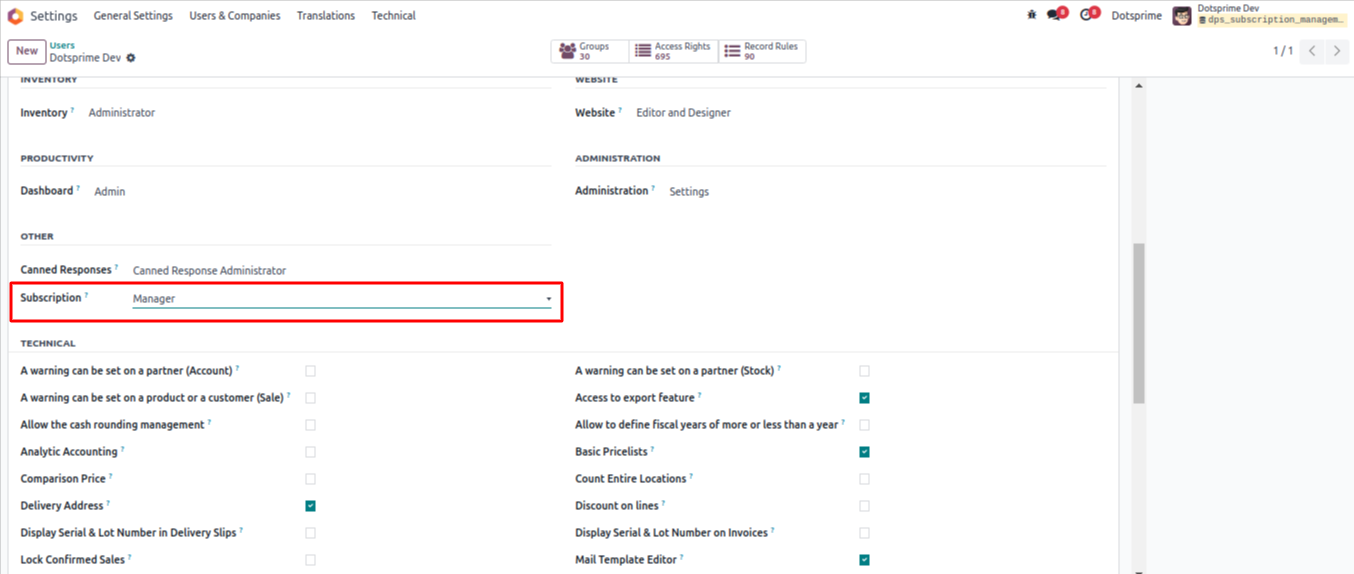
Go to users > select subscription manager/user.
02
Subscription plan view.
03
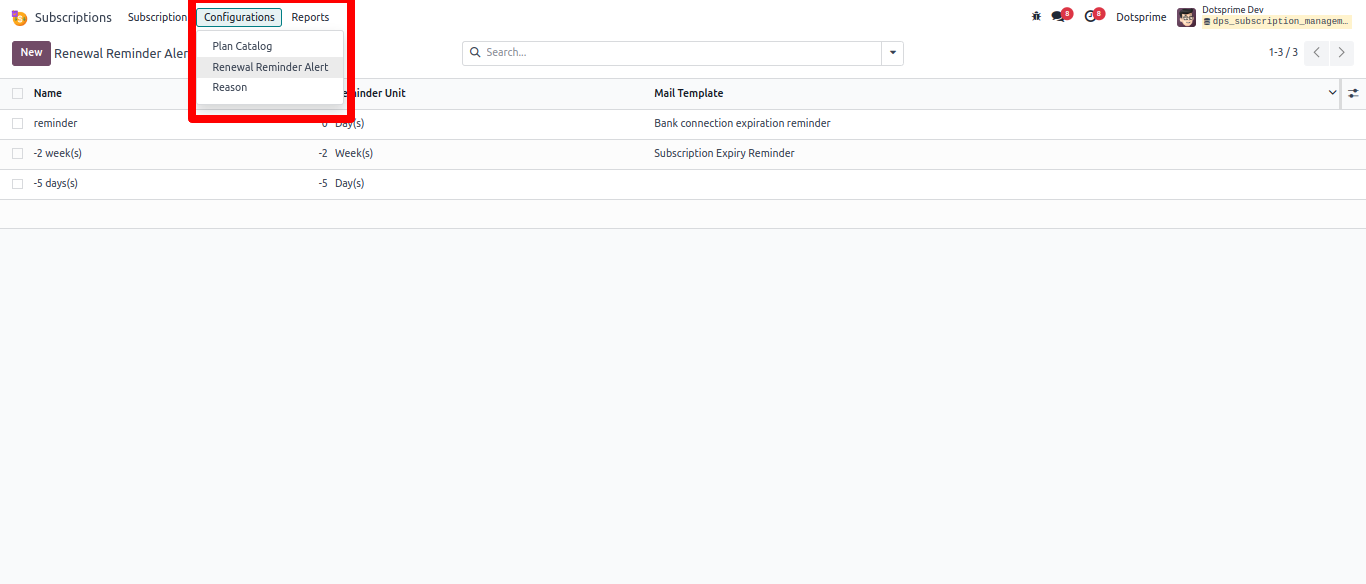
Subscription renewal remider list view.
04
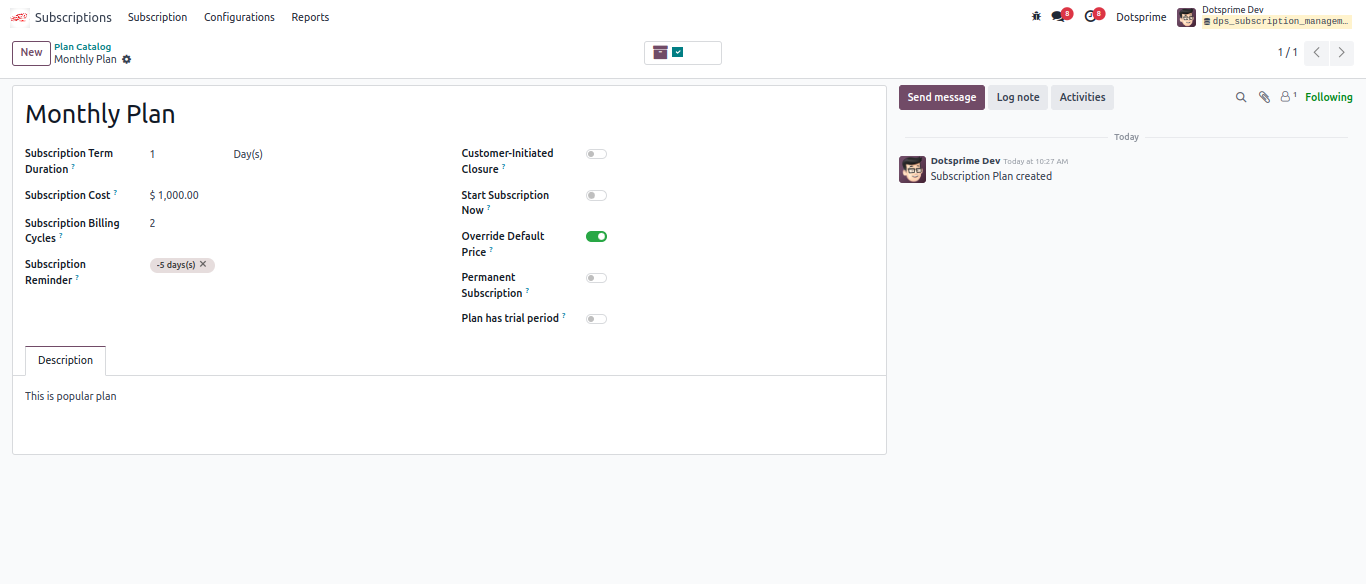
Subscription plan form view.
05
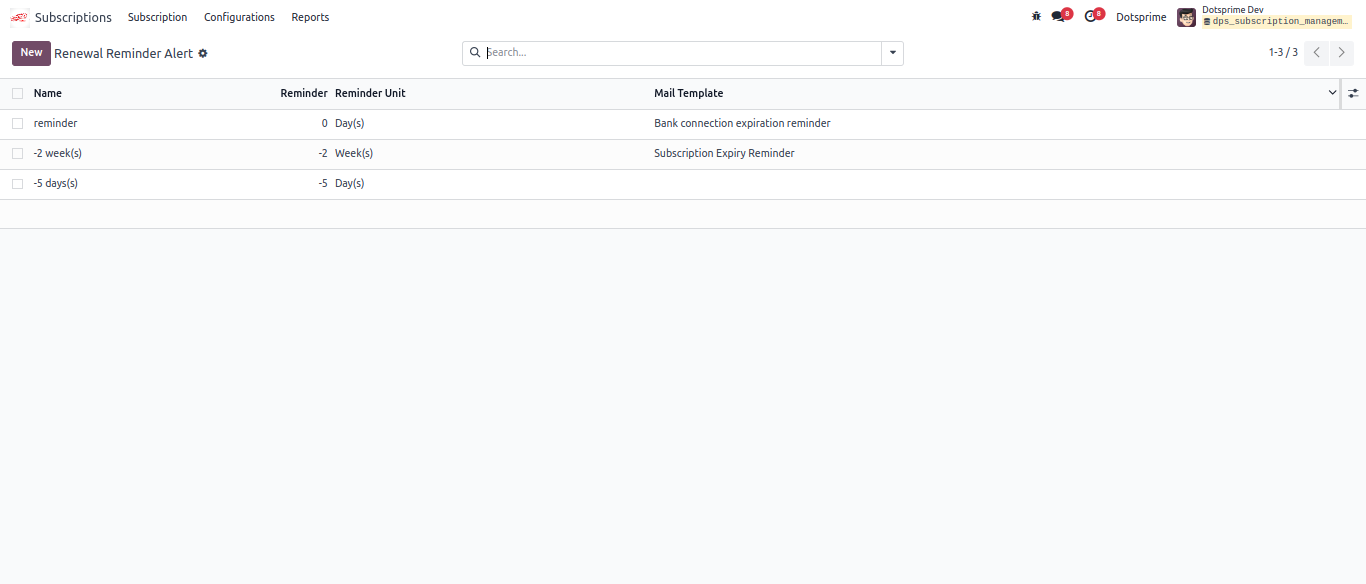
Subscription renewal remider Alert.
06
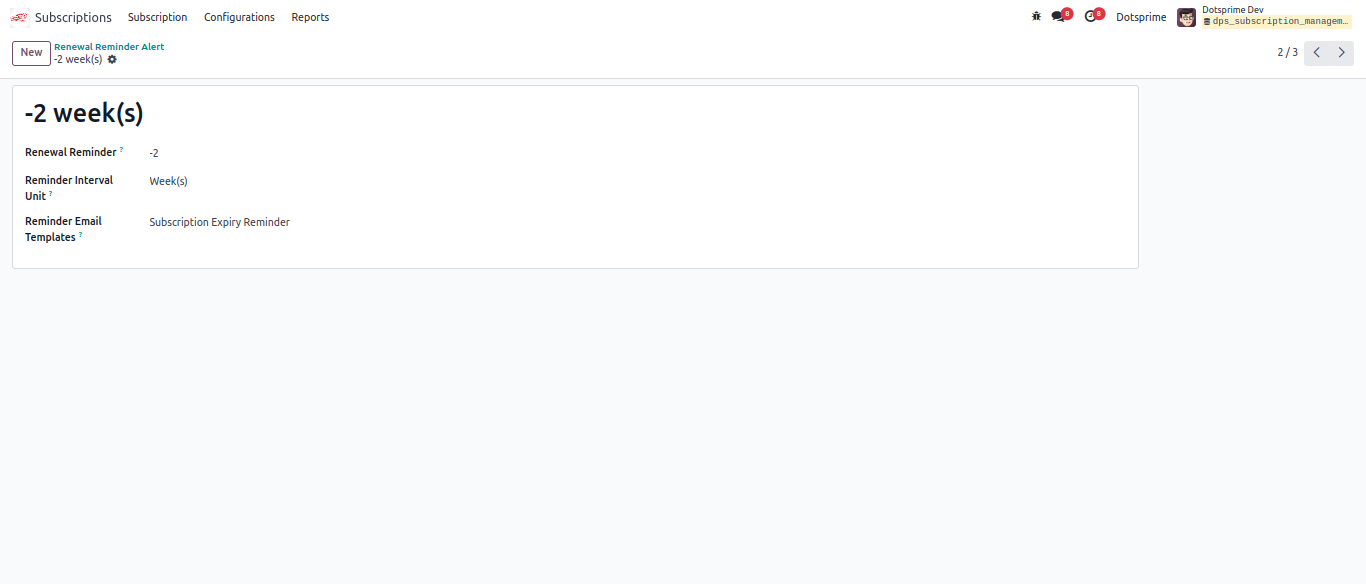
Subscription renewal remider form view.
07
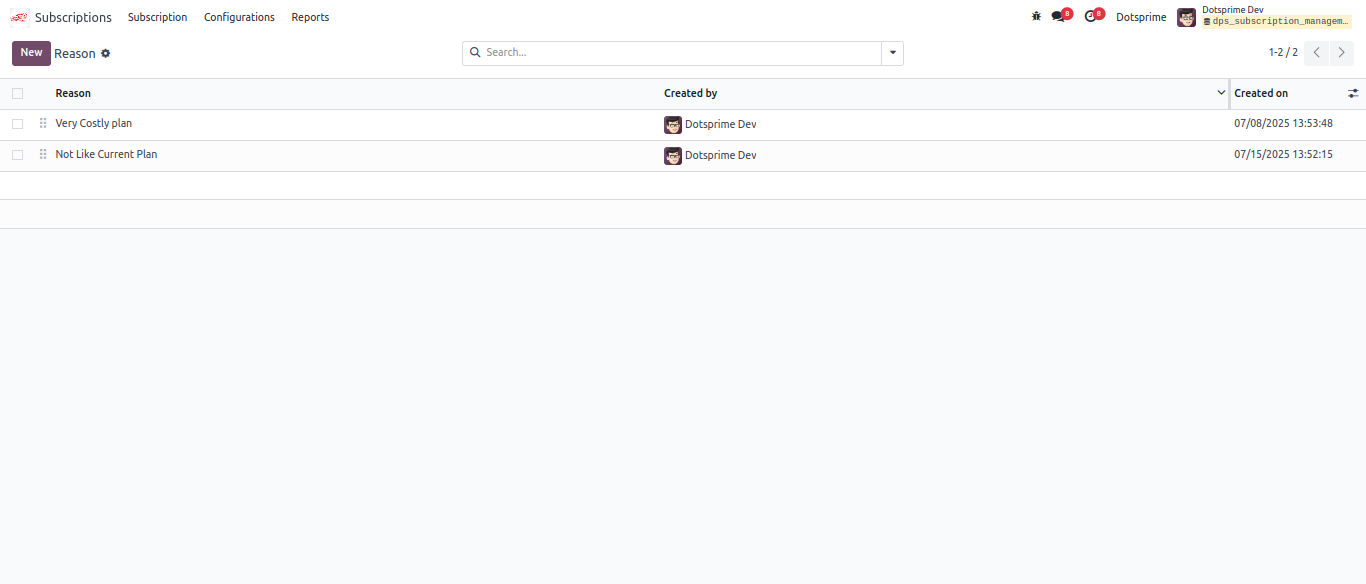
Subscription plan creat option.
08
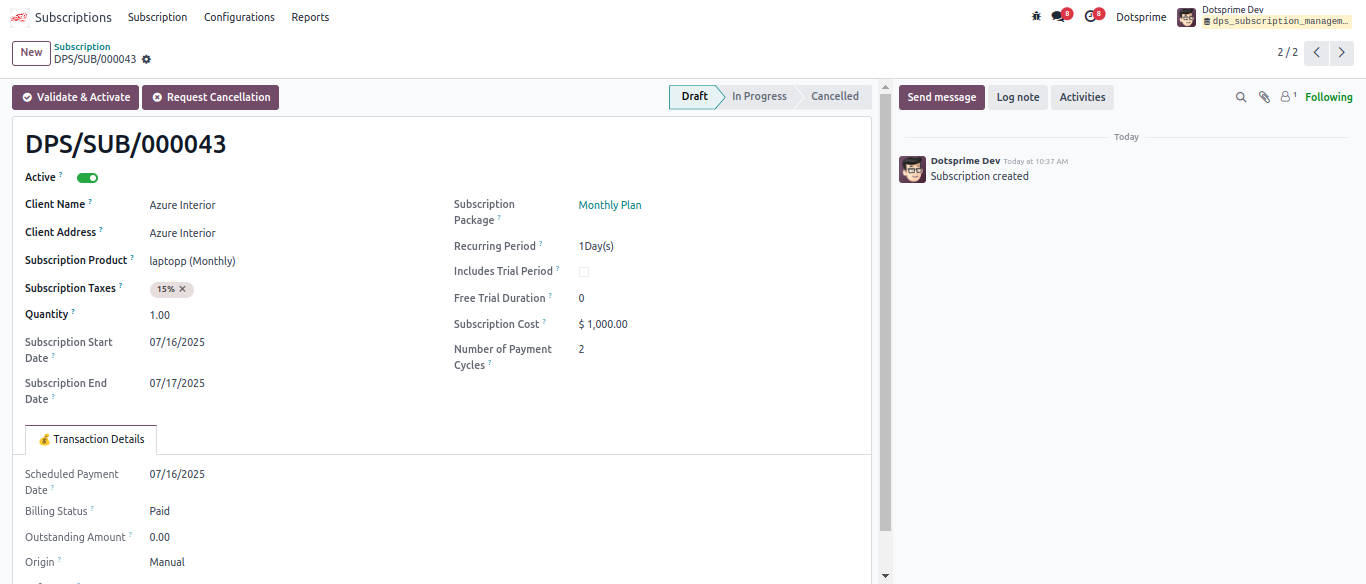
Create Subscription order and validate Subscription
09
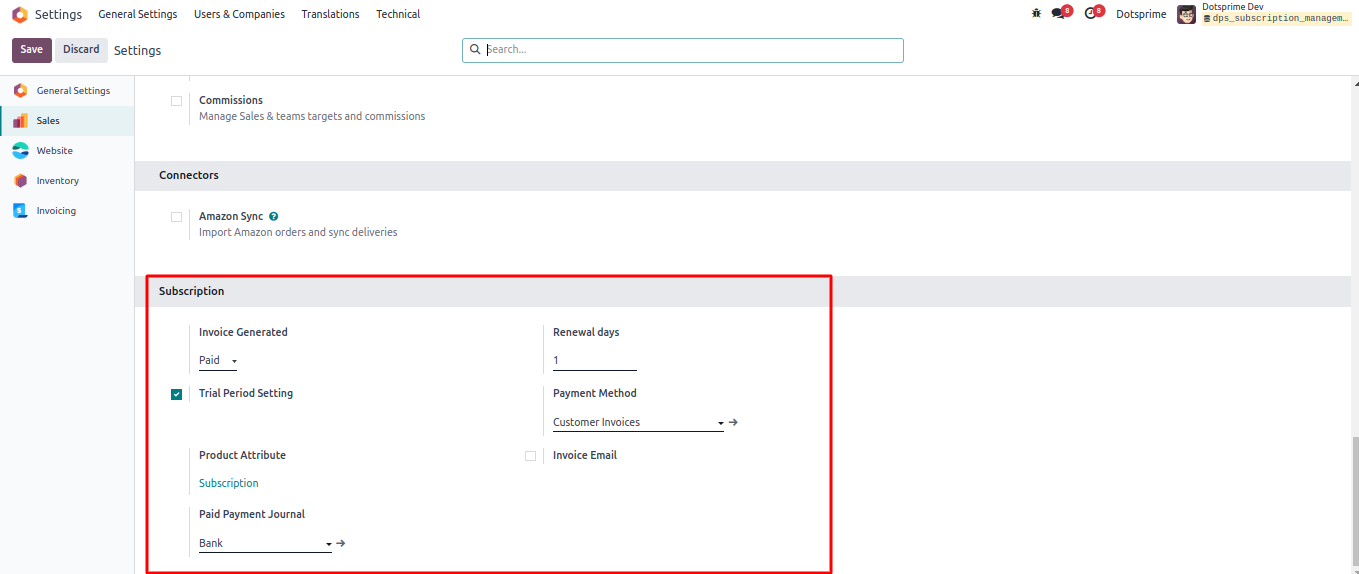
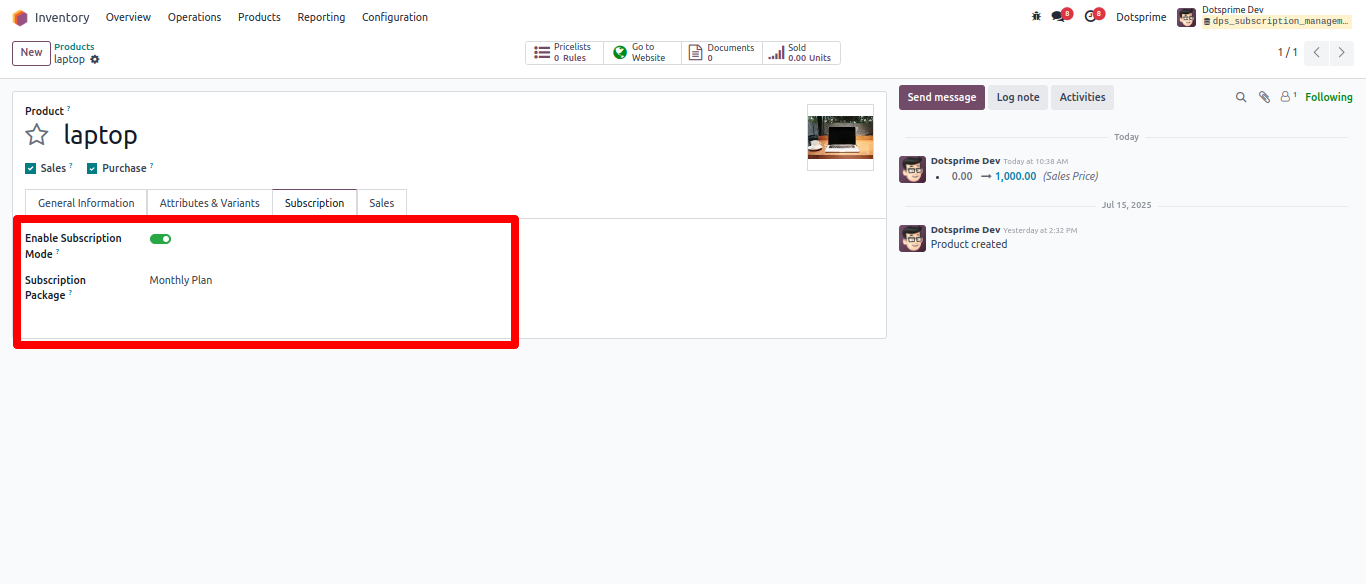
Subscription Configuration: Select product and define the Subscription package.
10
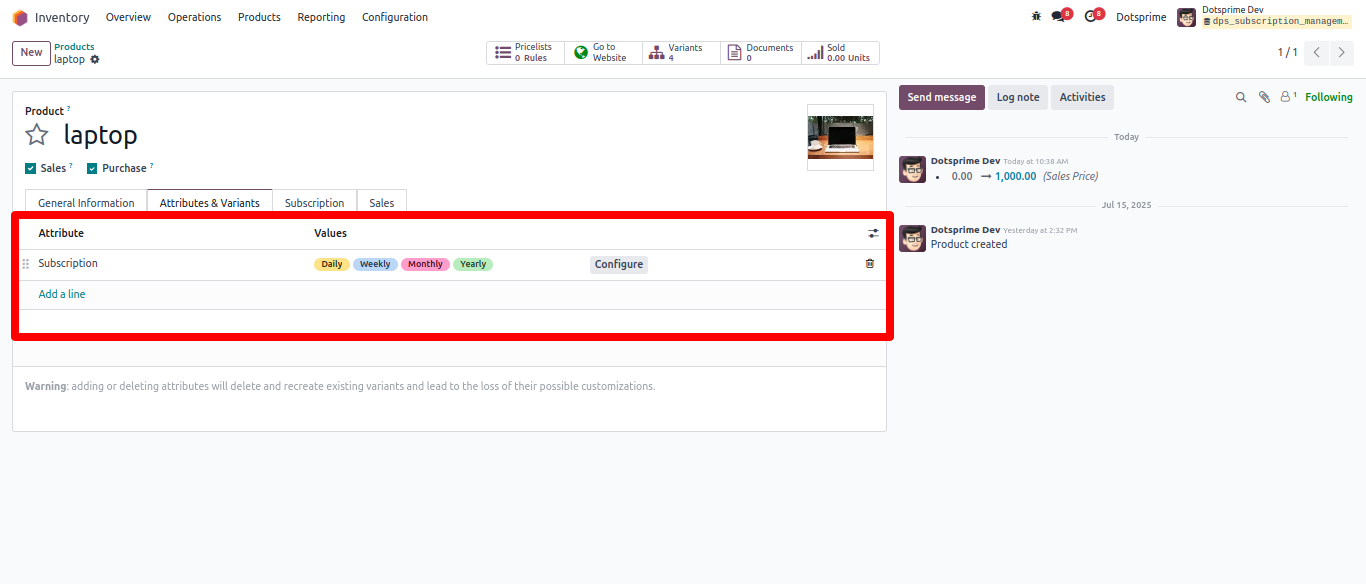
Select product varient in product subscription package.
11
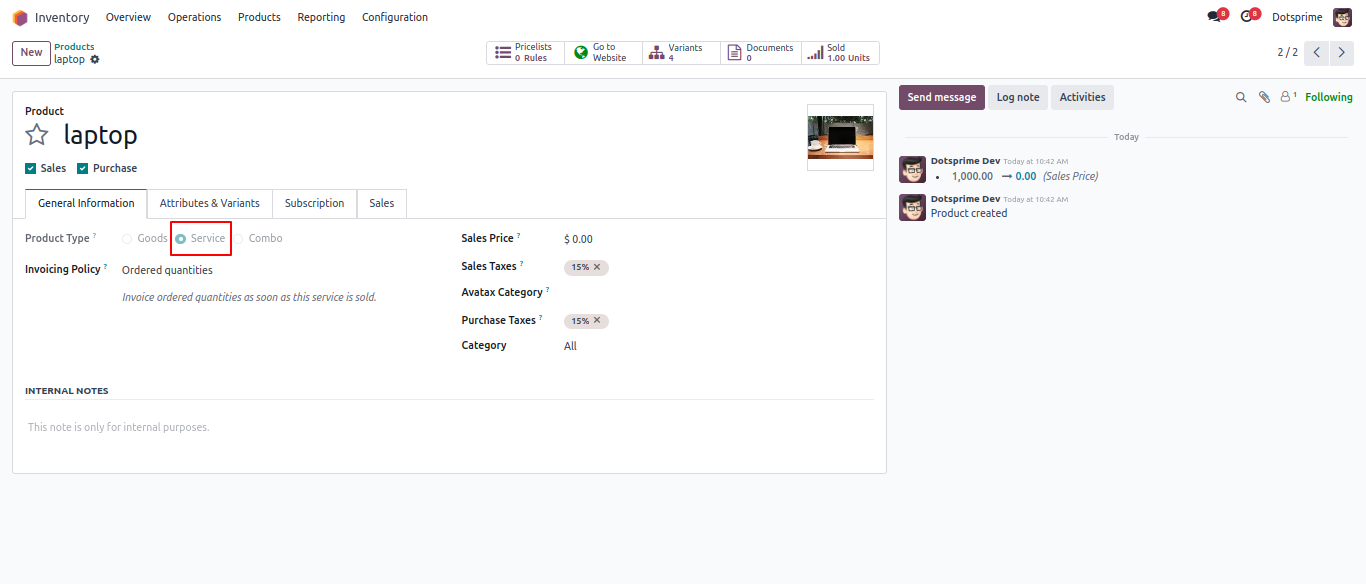
Product type confguration.
12
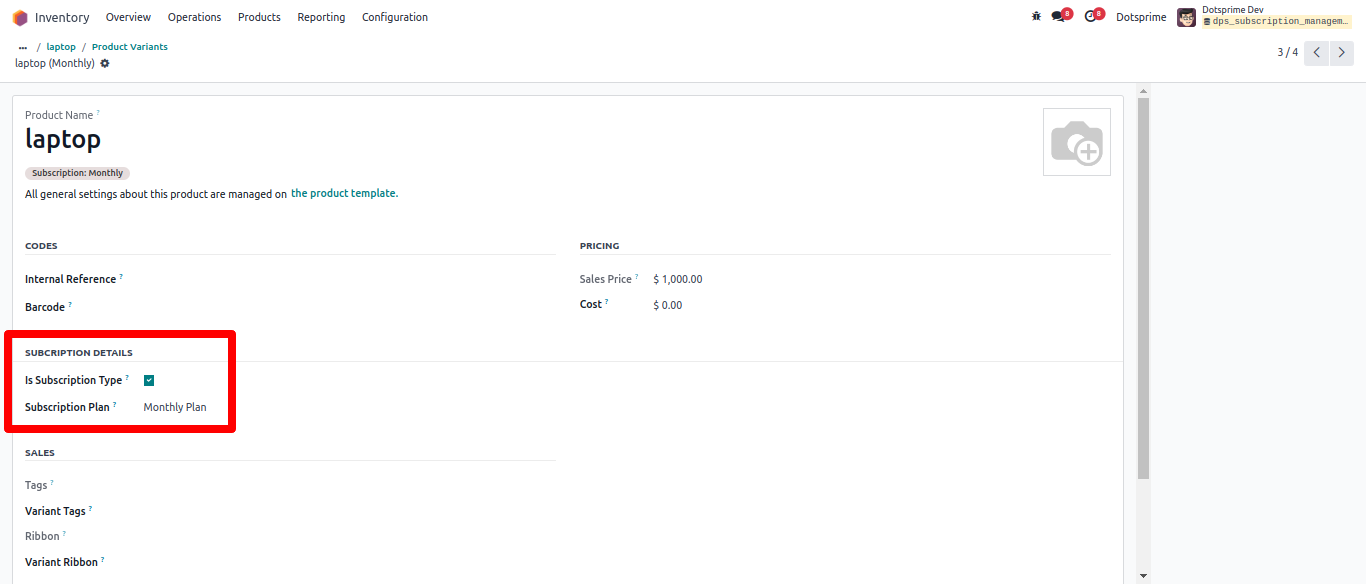
Subscription confguration in Product varient.
13
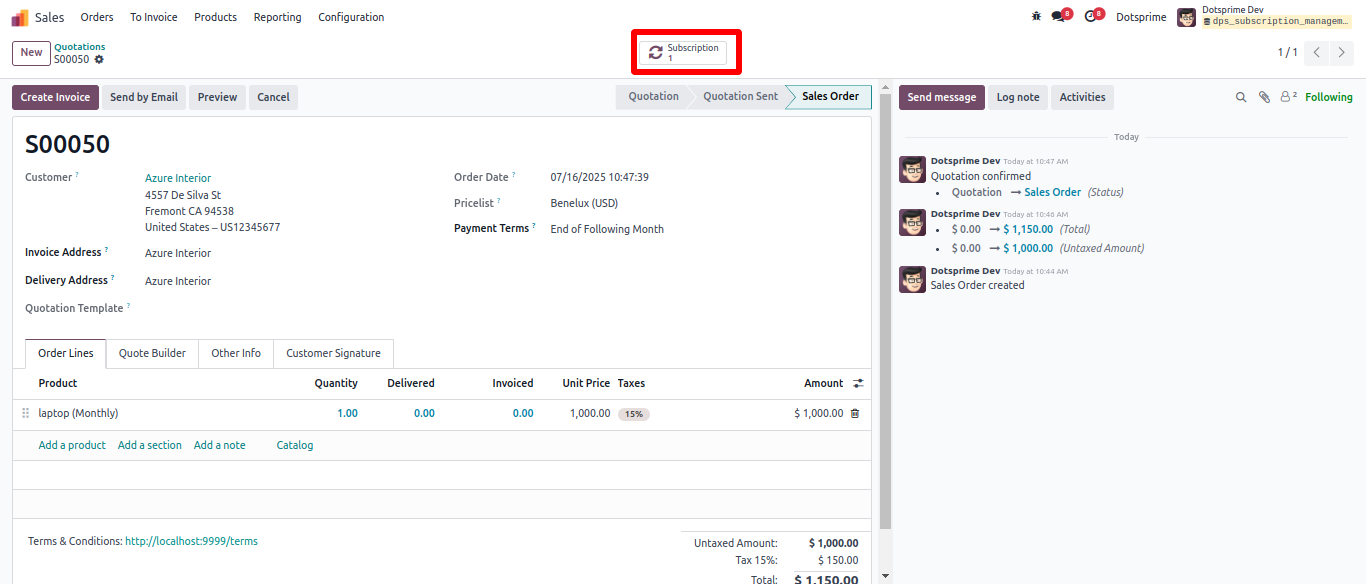
Confirm the quotation, You can see smart button of subscription in sale order.
14
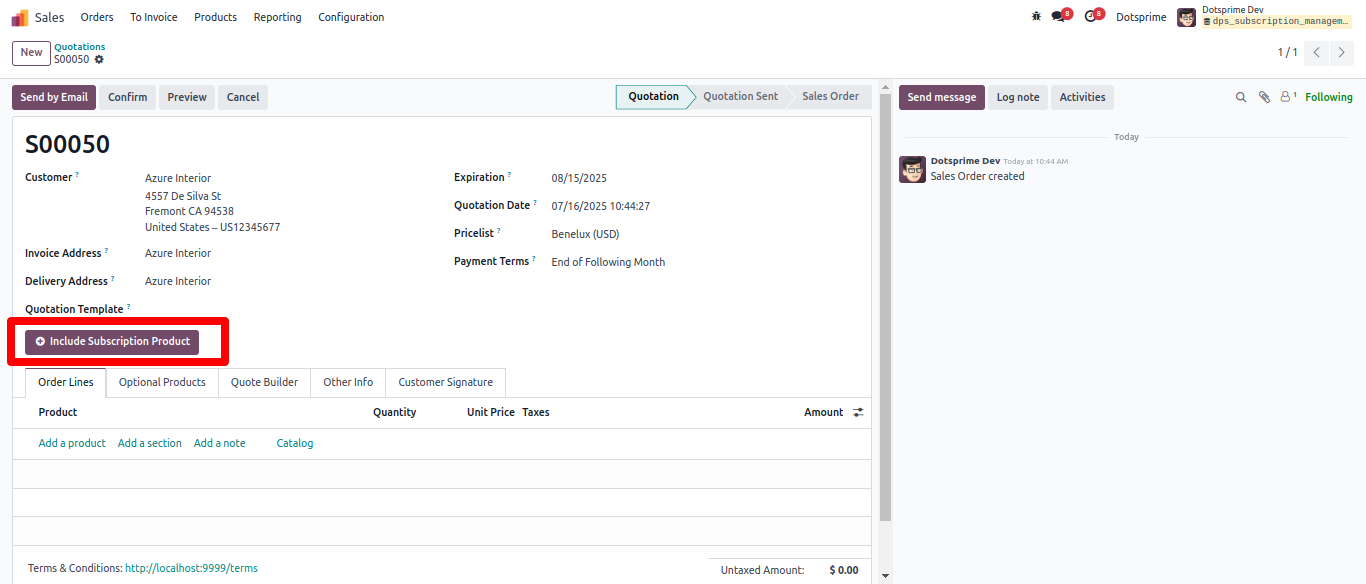
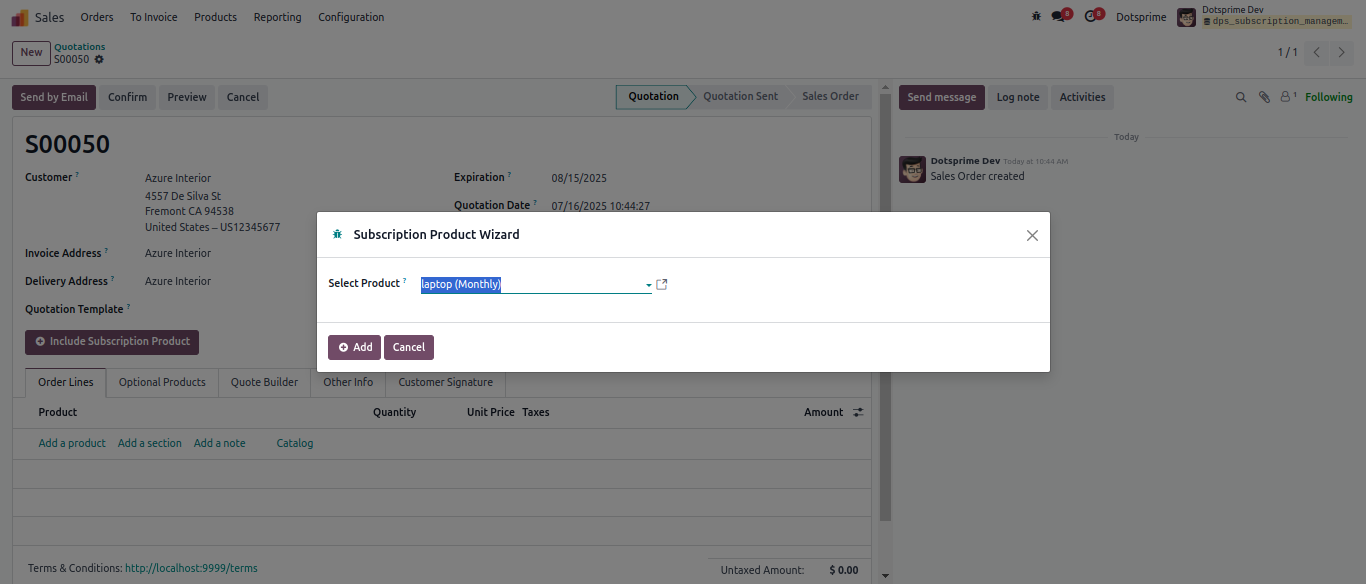
Add subscription product and plan for suscription. And Confirmed the Quotation order.
15
After confirming quotation, subscription smart button will increase by one.
16
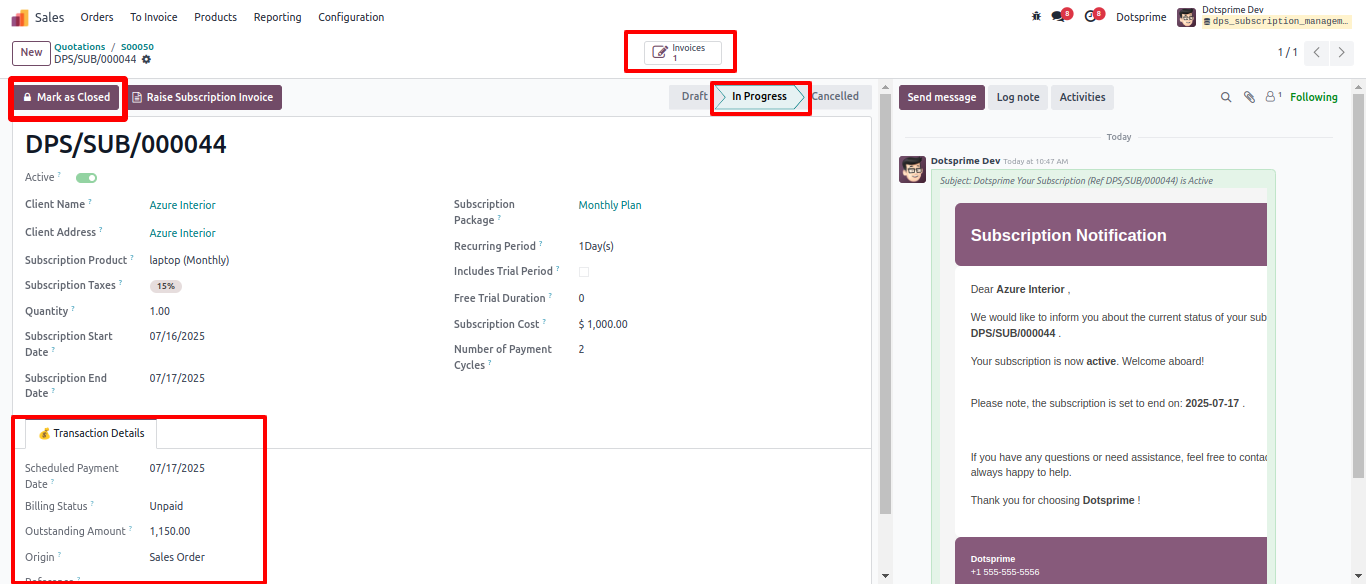
Subscription stage is in progress, Pay the invoice and see subscription details. You can close subscription plan using the "Close" button.
17
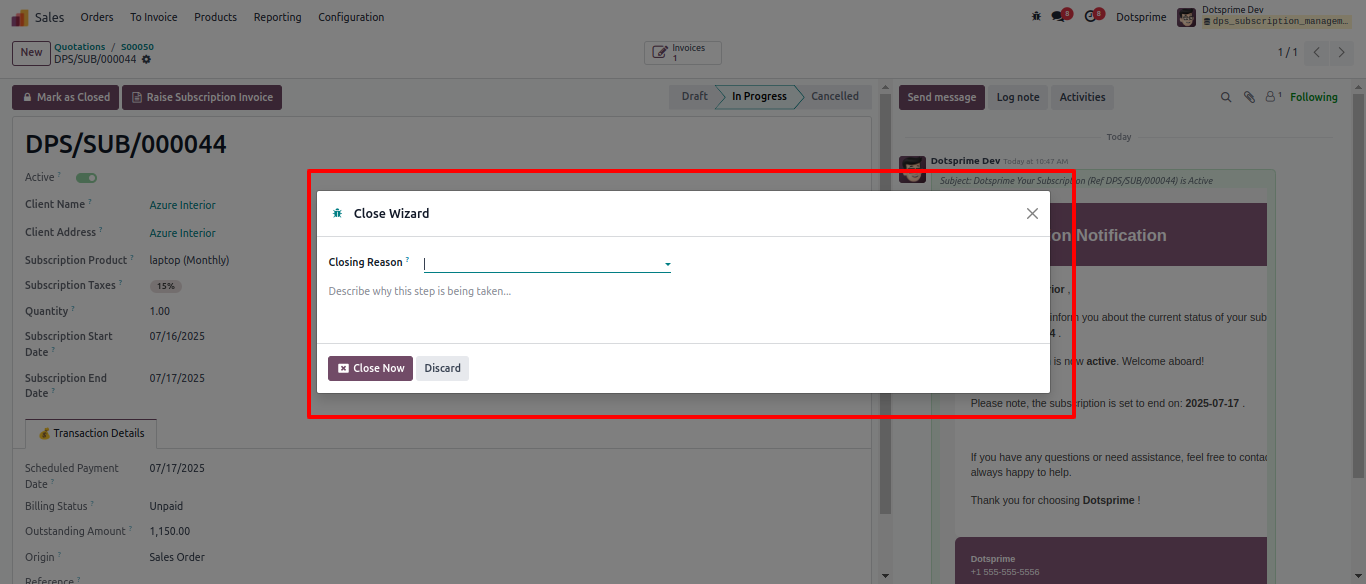
User can close subscription on clicking on button "Mark as Closed". Will ask the reason of Closing reason.
18
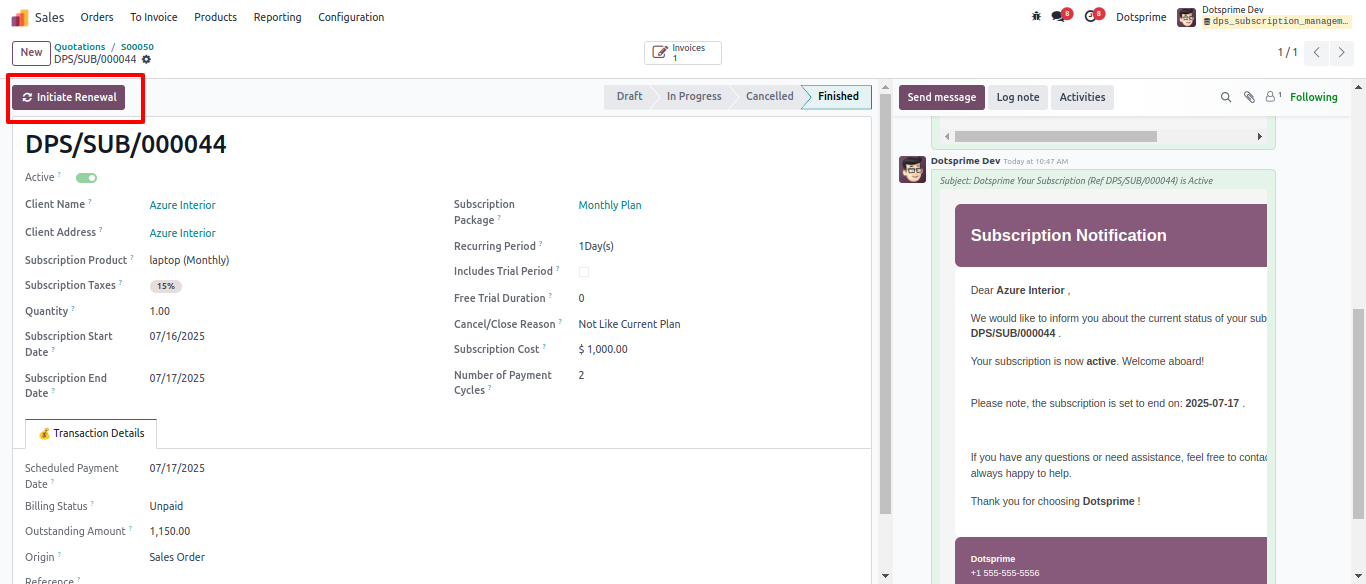
Here you can renew scbscription again on clicking on button "Initiate Renewal".
19
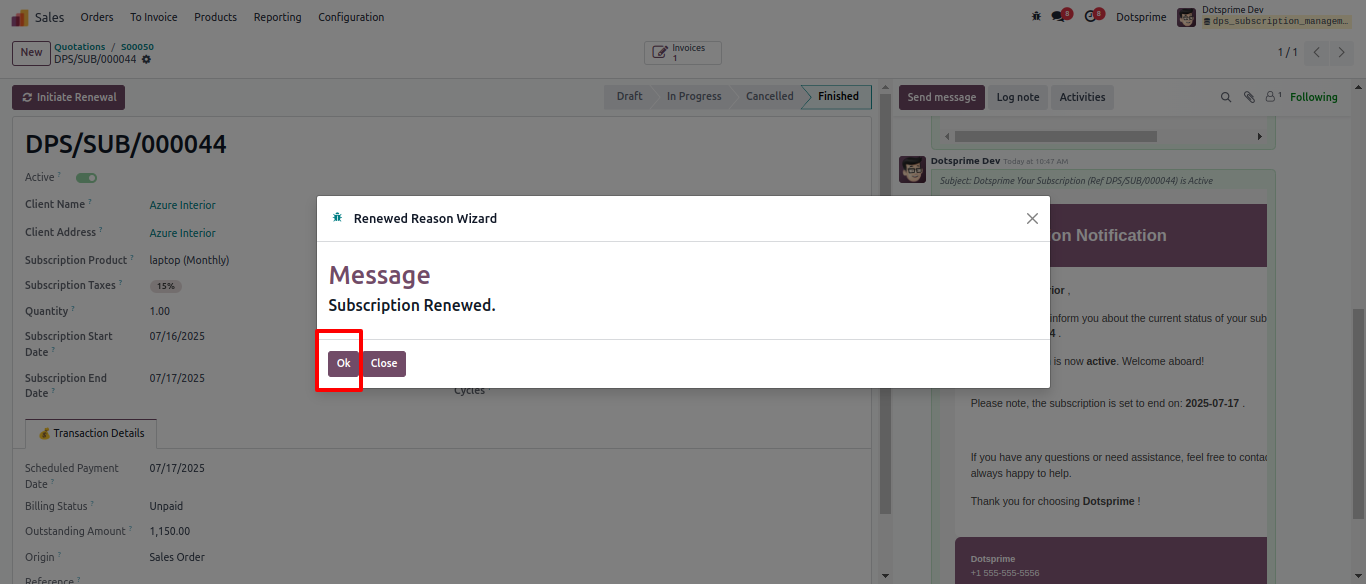
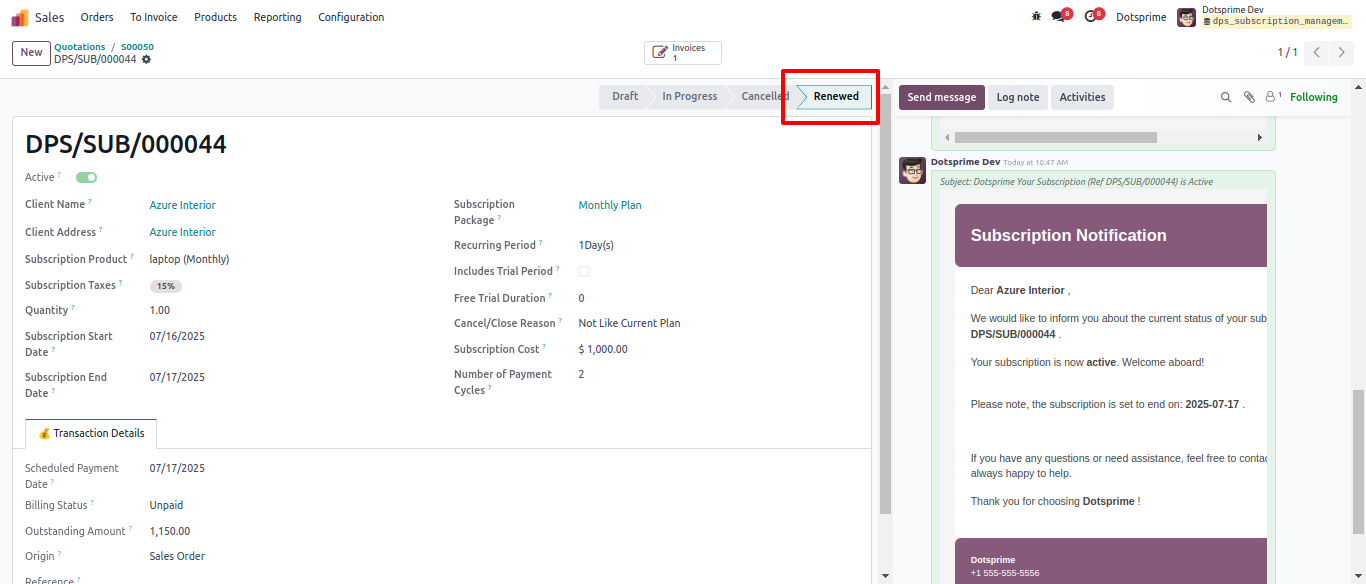
Renewed Subscription Confirmation.
20
View of Renewed Subscription.
21
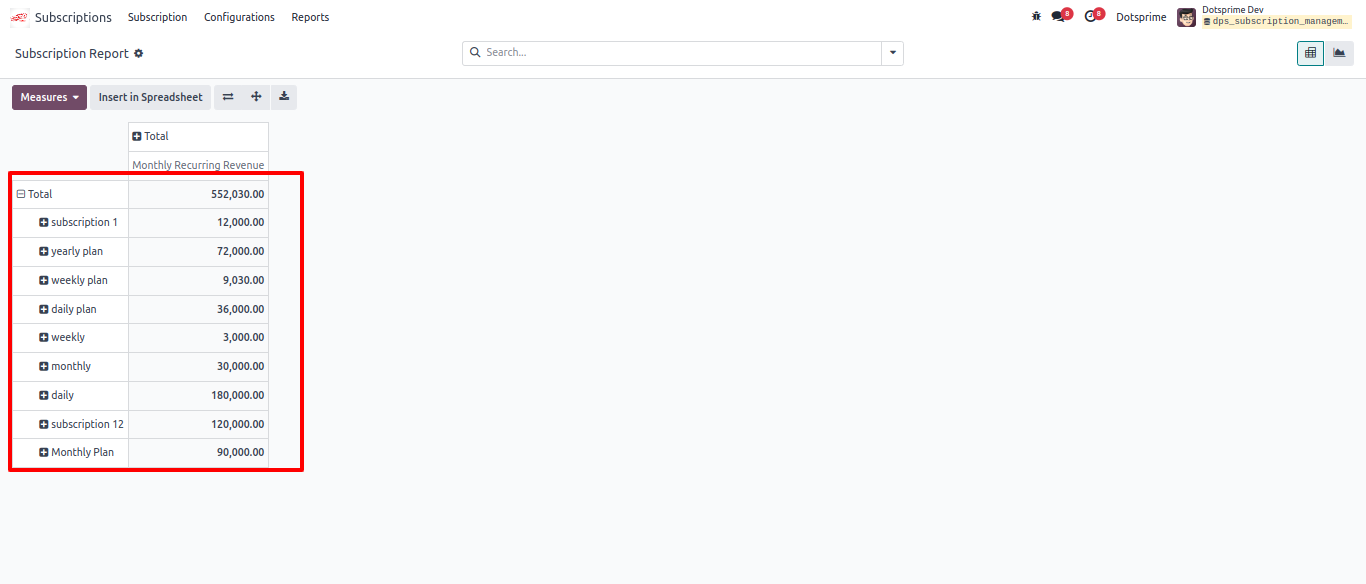
Subscription report preview. User can apply "Group By" subscription plan.
22
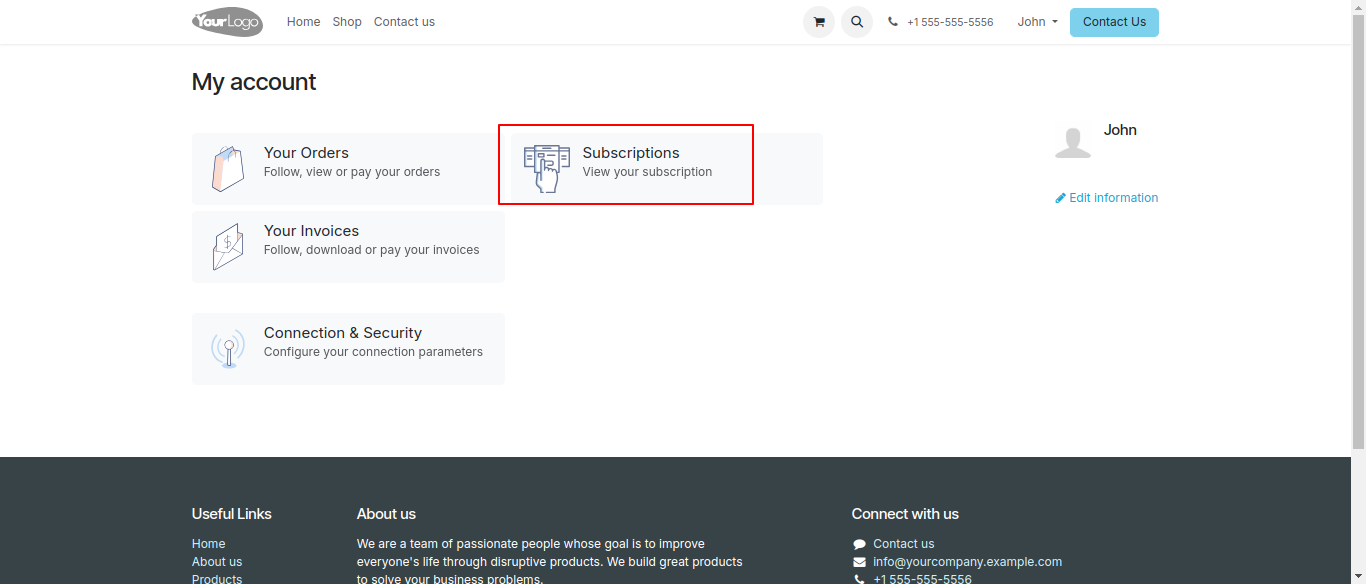
Customer portal view of Subscription.
23
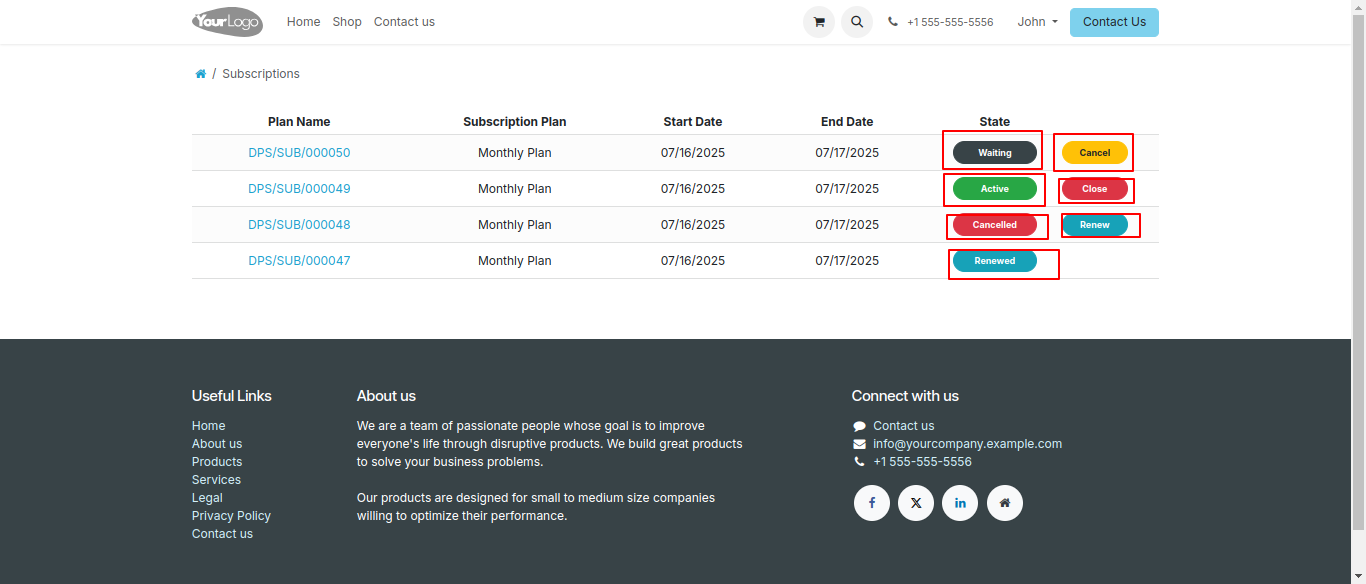
Customer Subscription plans at portal side.
24
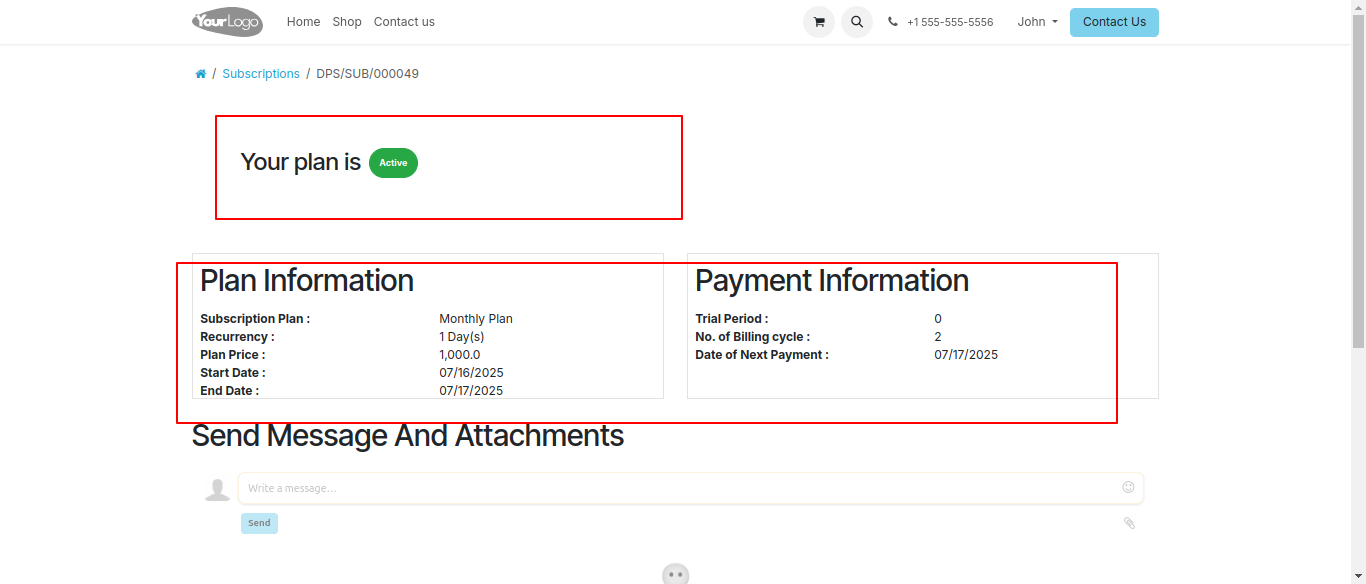
Customer can active, Renew and Cancel plans from portal view.
25
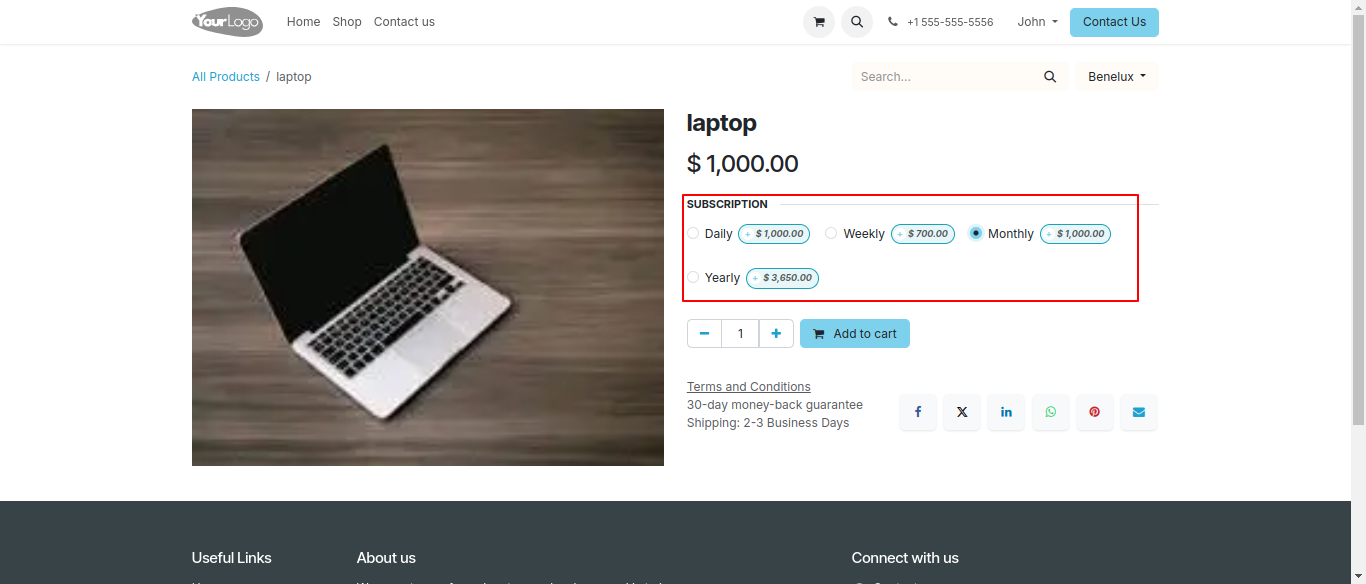
Website Configured product with multiple subscription plan options