








Skip to Content
App Icon

POS +/- Quantity | POS Orderline Quantity Buttons | POS Quick Increase / Decrease Quantity

by Dotsprime System Third Party 0 Downloads
$ 7.79
You bought this module and need support? Click here!

Print Kitchen Receipt After Validate || POS Kitchen Receipt Category wise || POS Order Receipt Category wise

    Key Features
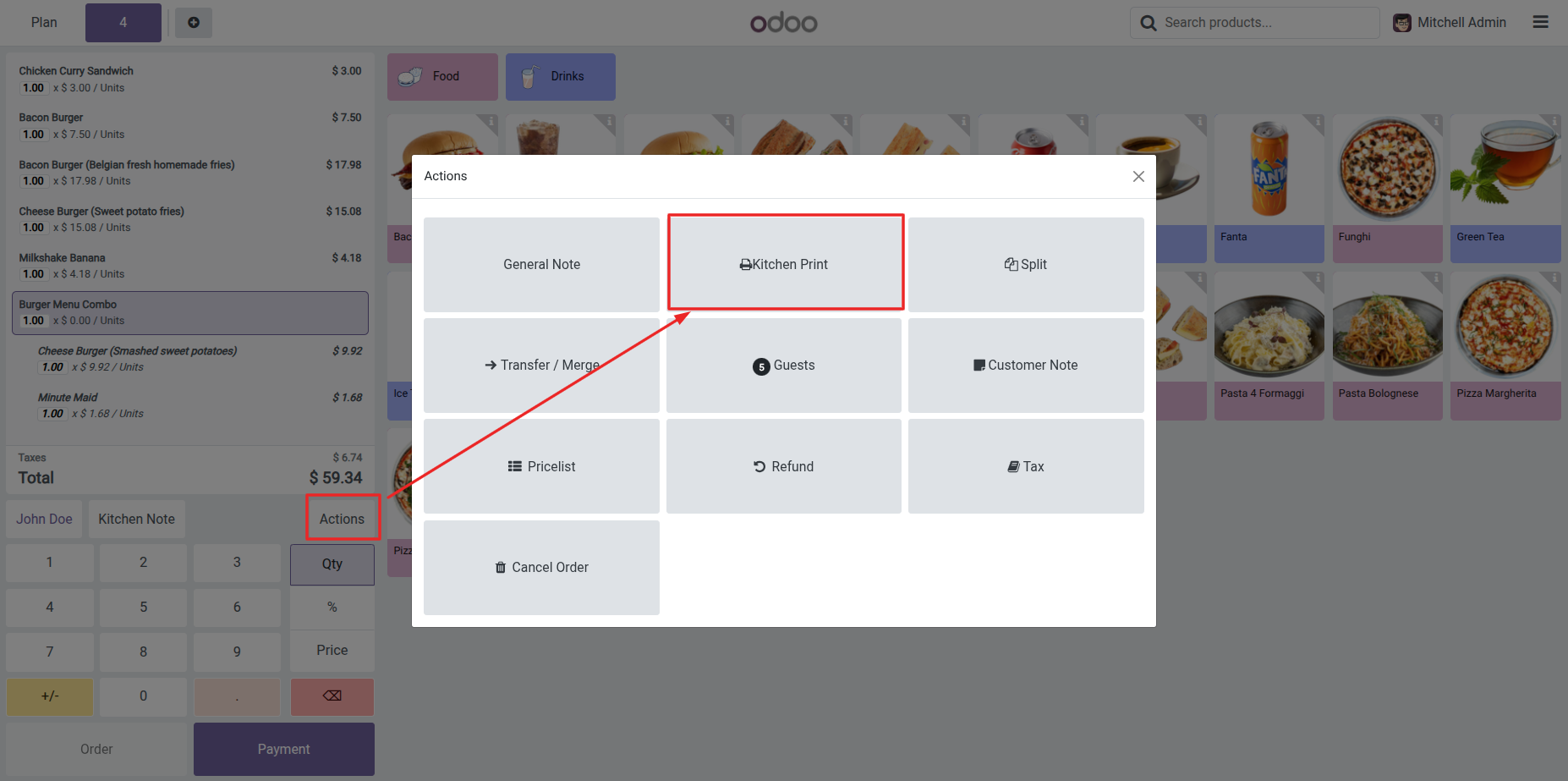
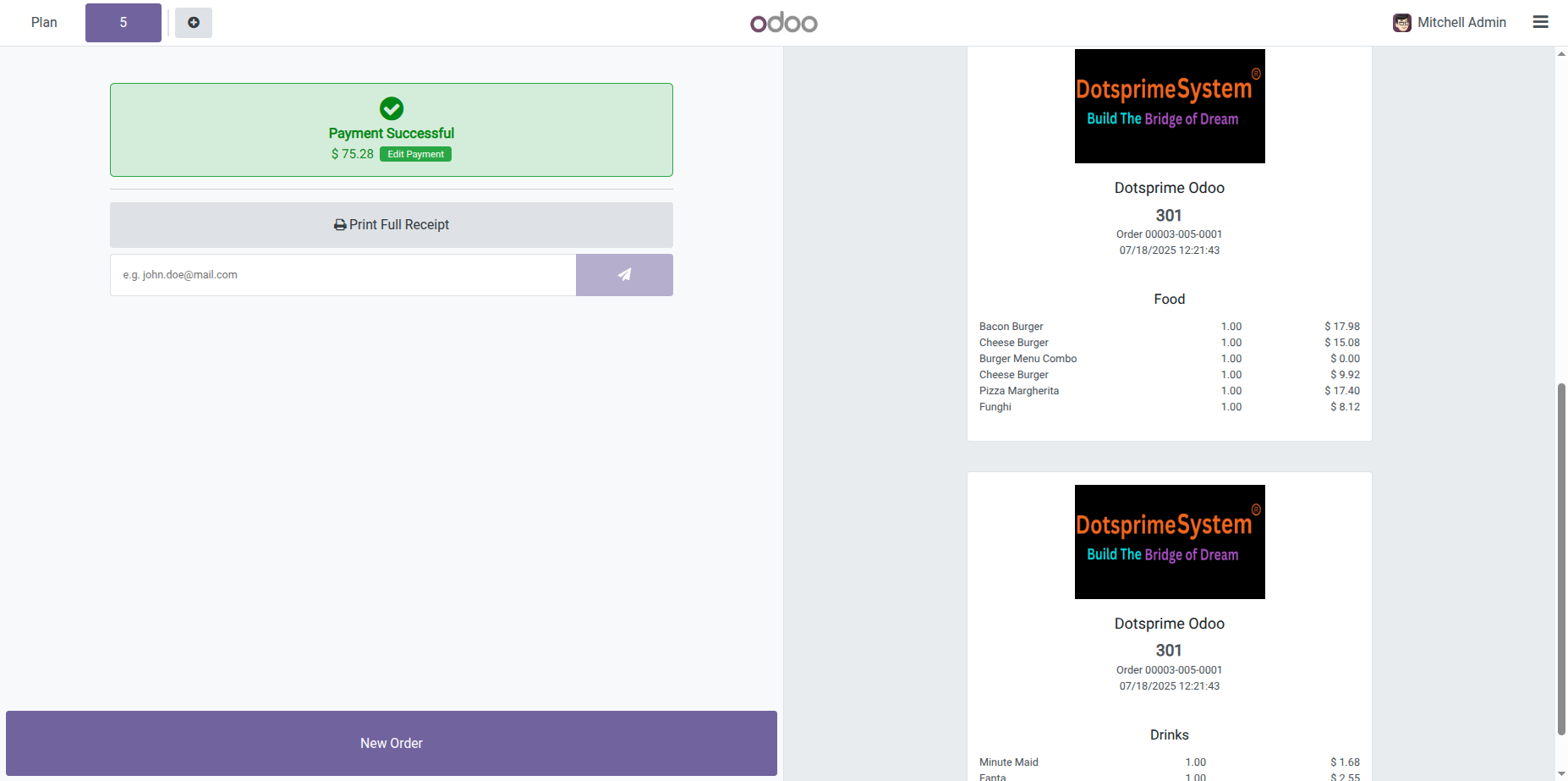
  • Using this module you can print POS kitchen Receipt category and pos order receipt category wise.
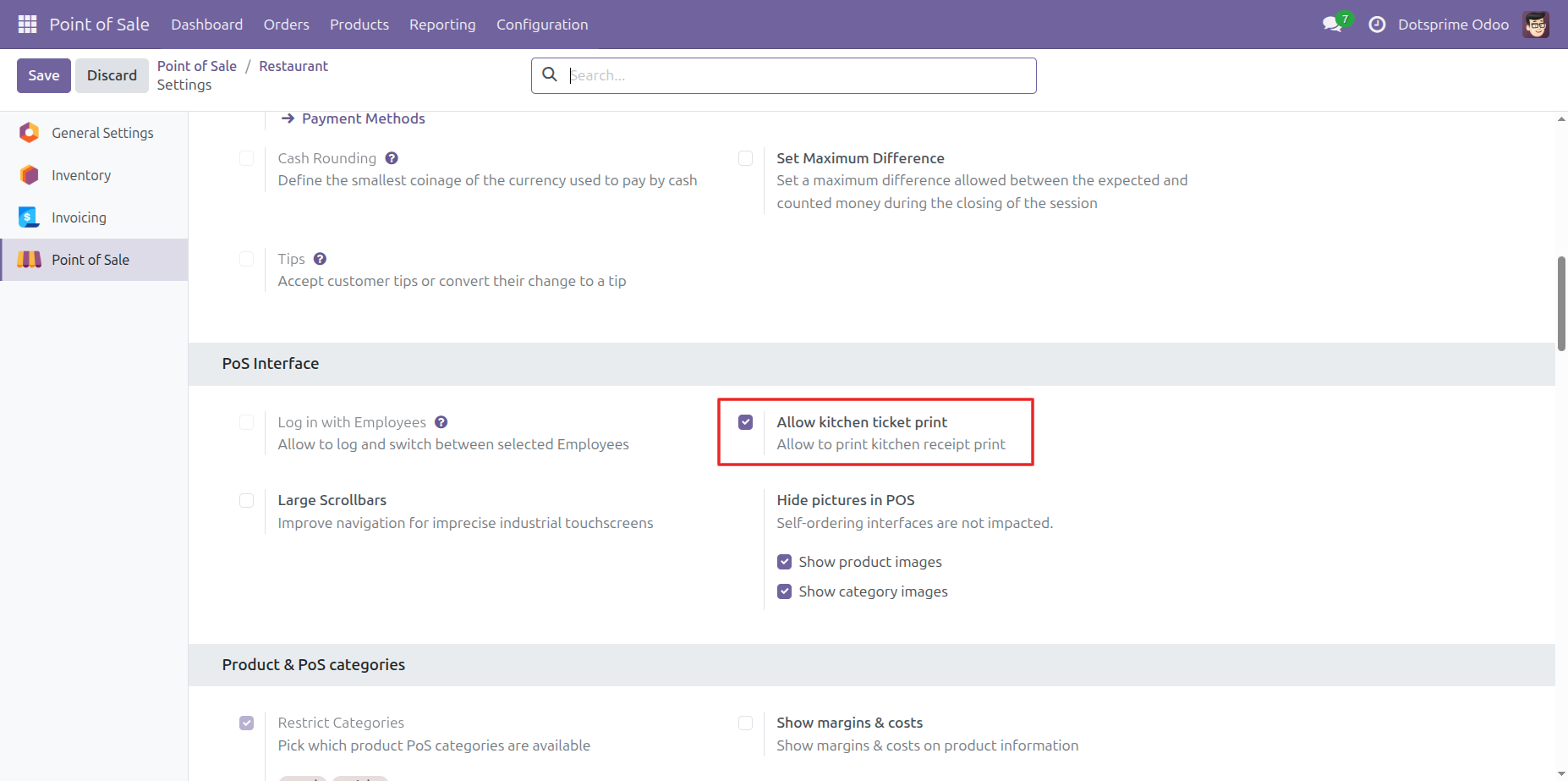
Configuration: Allow kitchen receipt print .

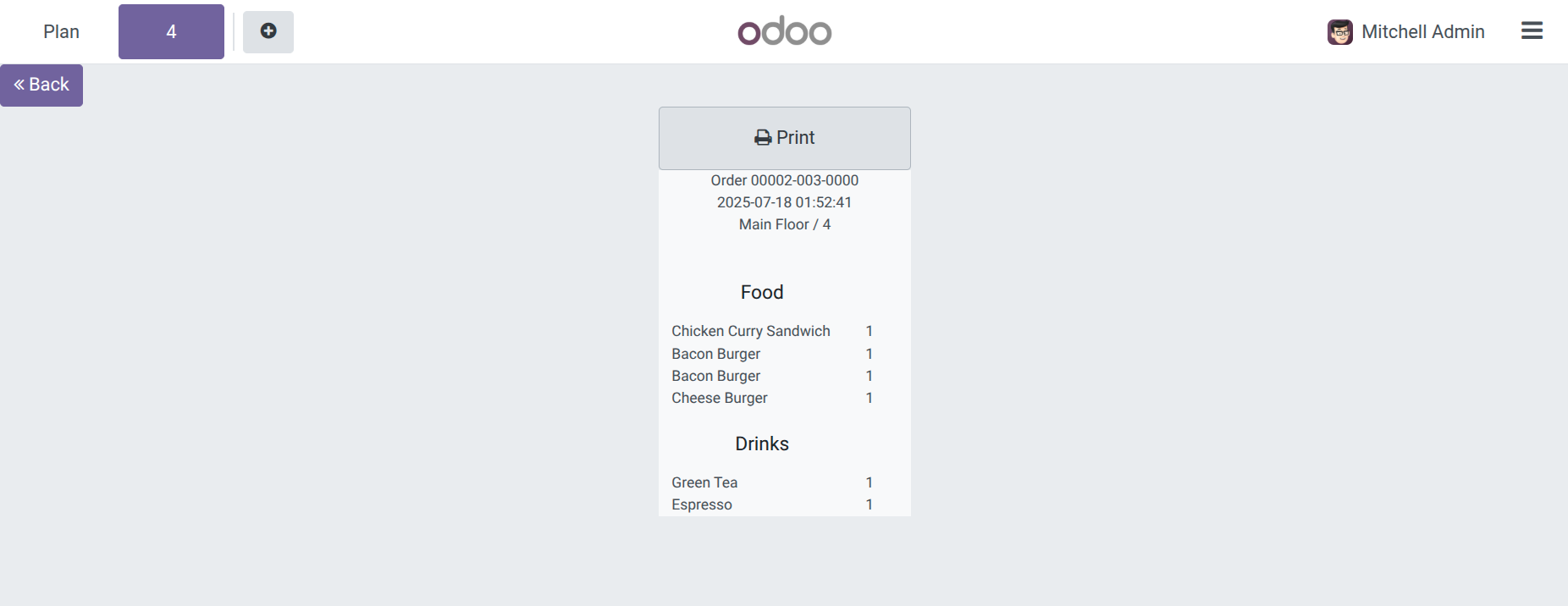
POS Category wise kitchen receipt Print Preview.

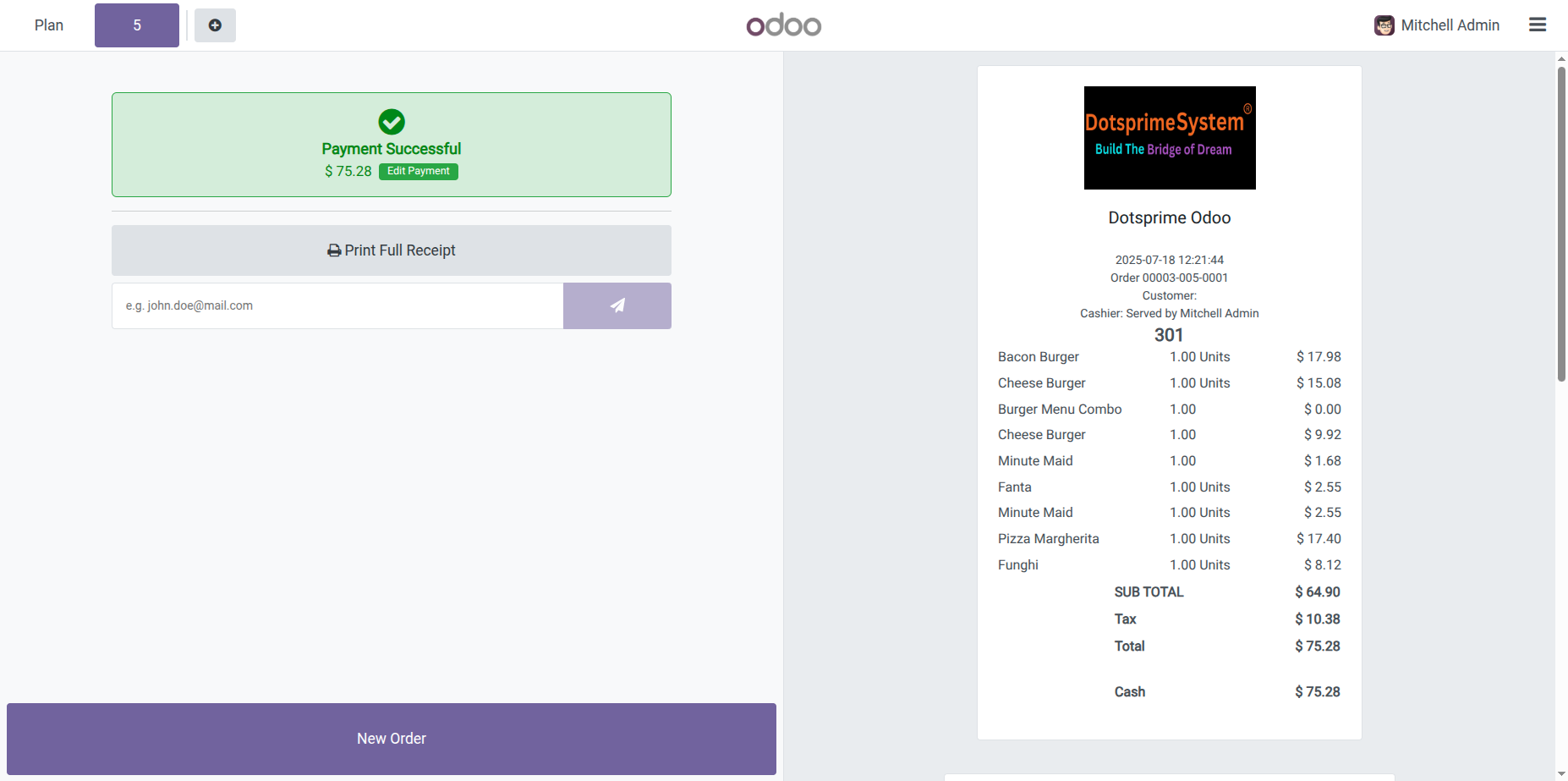
POS Category wise Order Receipt Print.

NOTE: If you have any question regarding this apps you can ask us. If you need to resolve error with any another apps it will take an extra changes for bug fixing and make compatible.

Our Service


If you are looking for any Customsation, Support, Implementation, Migration, Odoo Training (Technical-Functional), Odoo Version Migration, Odoo Database Migration, Odoo Support, Odoo Fixing, Odoo Bug fixing, Any query plz Contact us We are ready to help you.

Contact us for support


Availability Odoo Online Odoo.sh On Premise
Odoo Apps Dependencies point_of_sale
Technical Name dps_pos_change_qty
License OPL-1
Website https://dotsprime.com/

POS +/- Quantity | POS Orderline Quantity Buttons | POS Quick Increase / Decrease Quantity

$ 7.79 $ 7.79
  • Odoo Version
  • App Category

Specifications

Odoo Version 17.0, 18.0, 19.0, 20.0
App Category Point of Sale, Sales/Point of Sale