Screenshots Of Application features
01
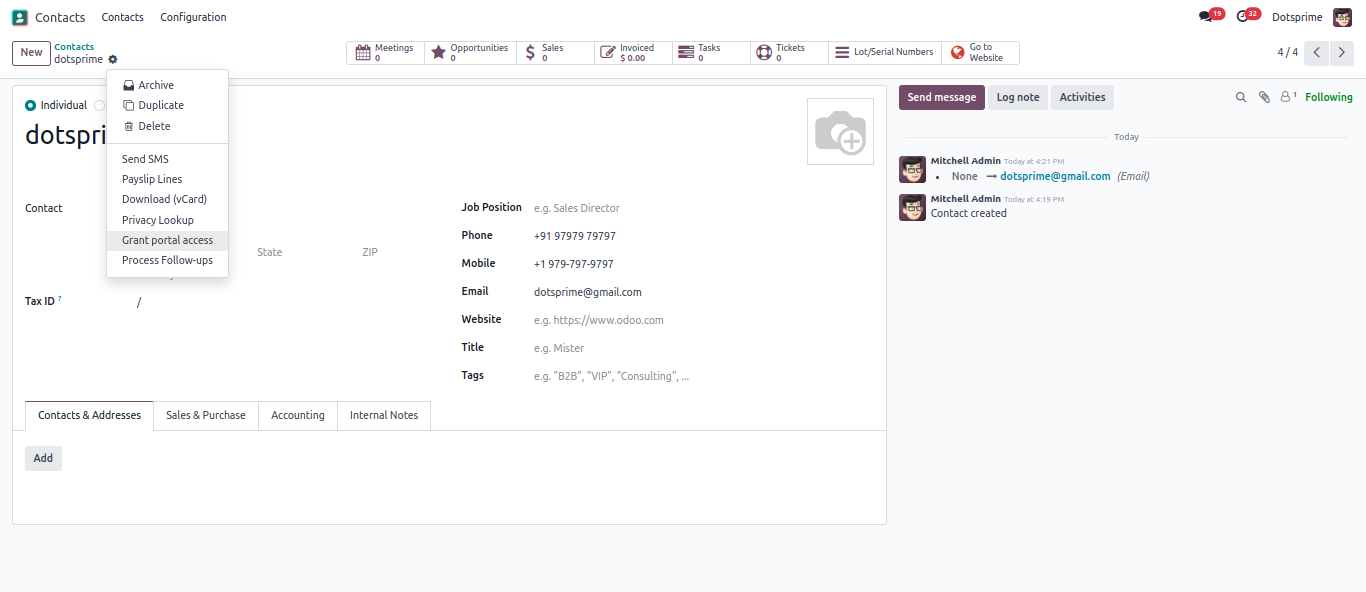
Grant portal access in Contact.
02
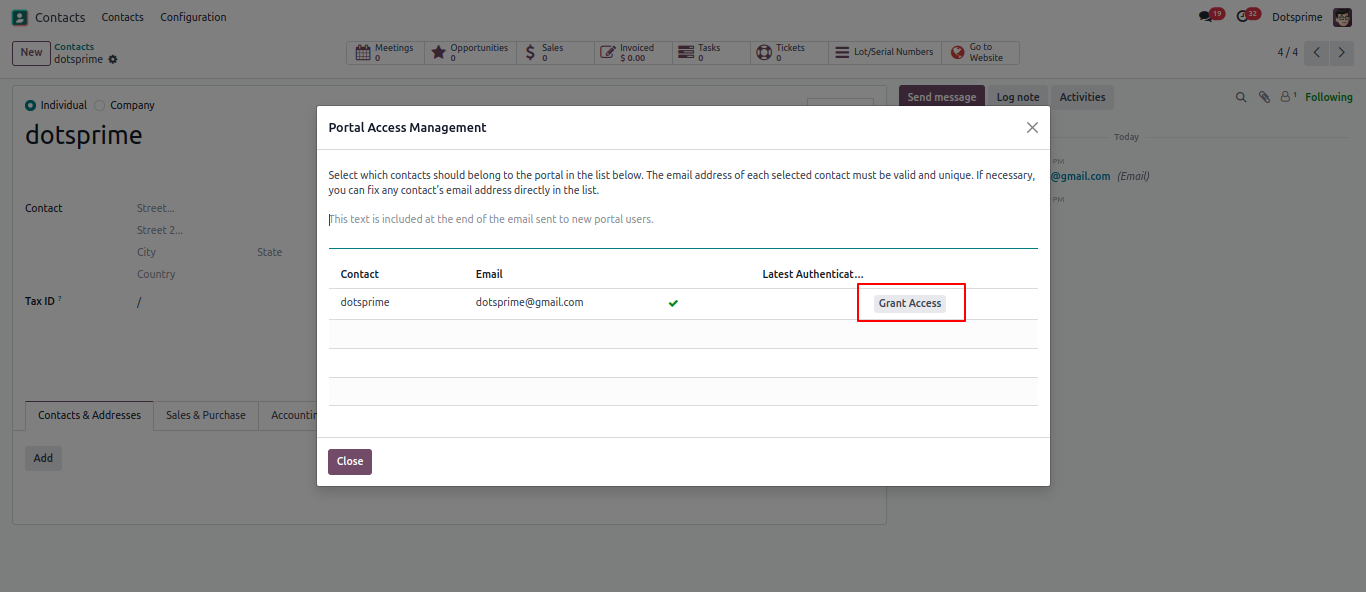
Granted portal access.
03
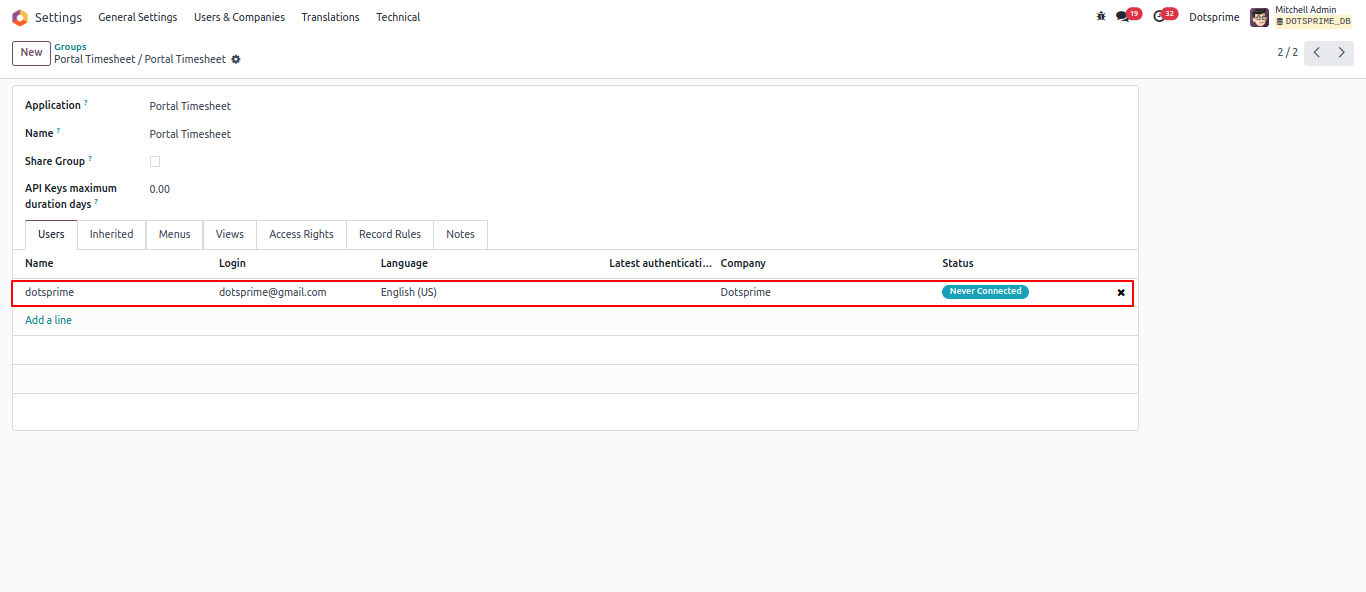
create an employee record for the portal user, and assign them read or edit access rights to the project as needed.
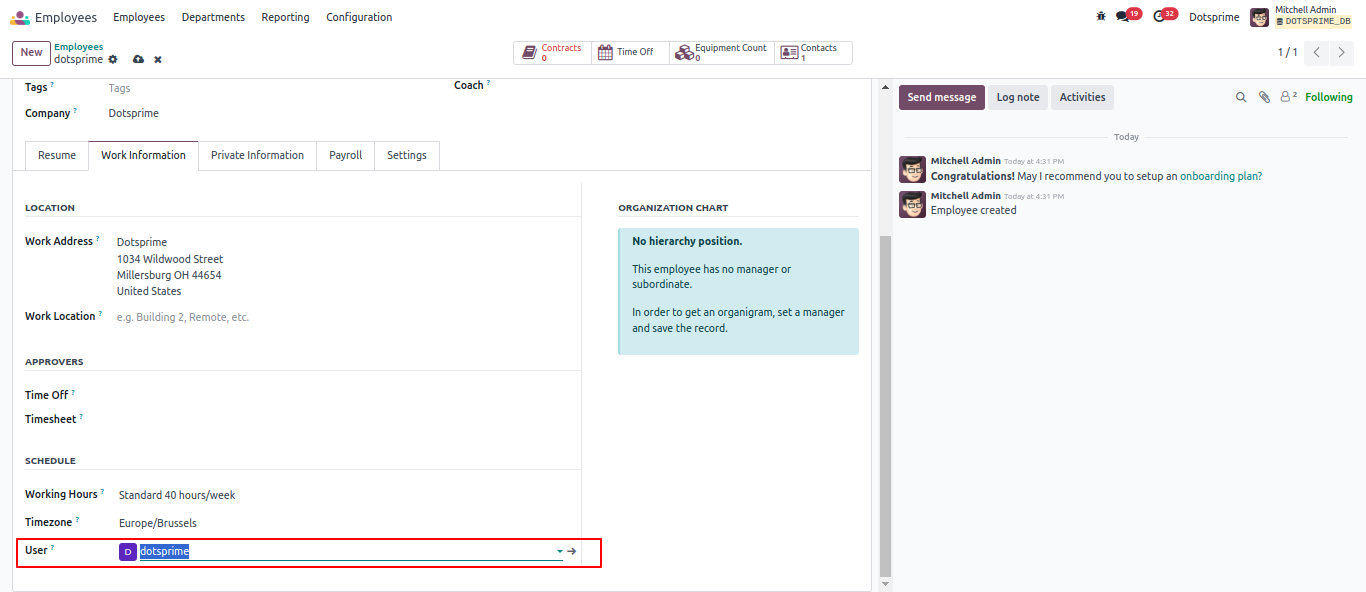
04
Create project and add assignee.
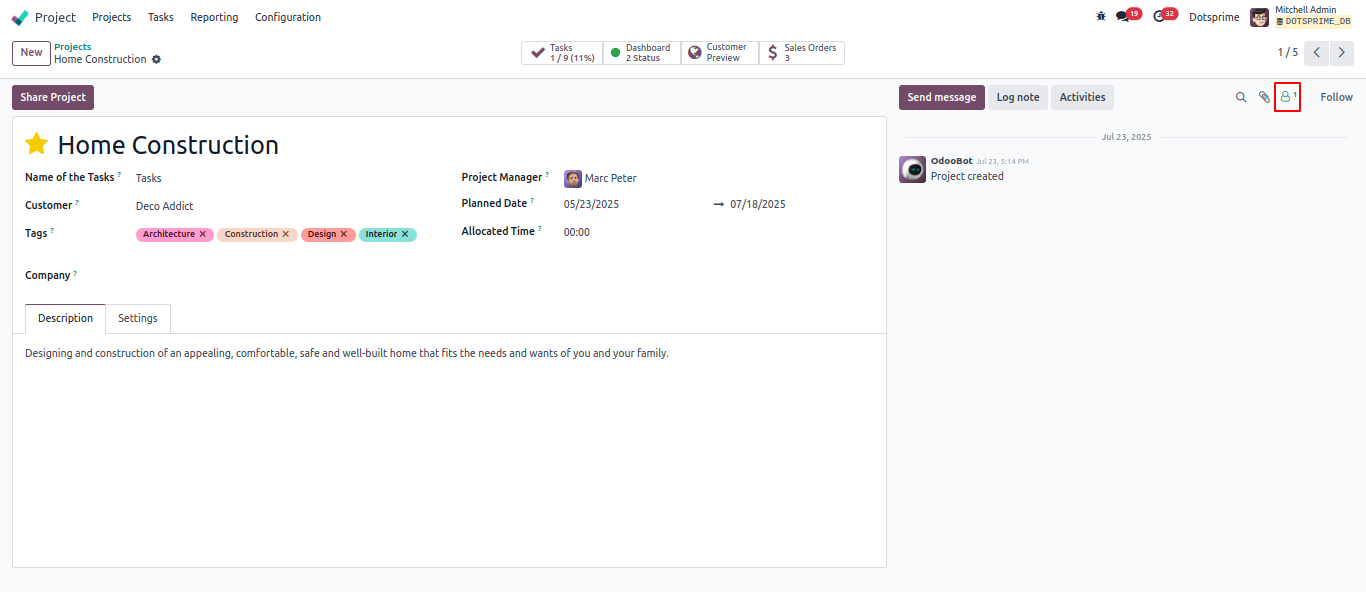
05
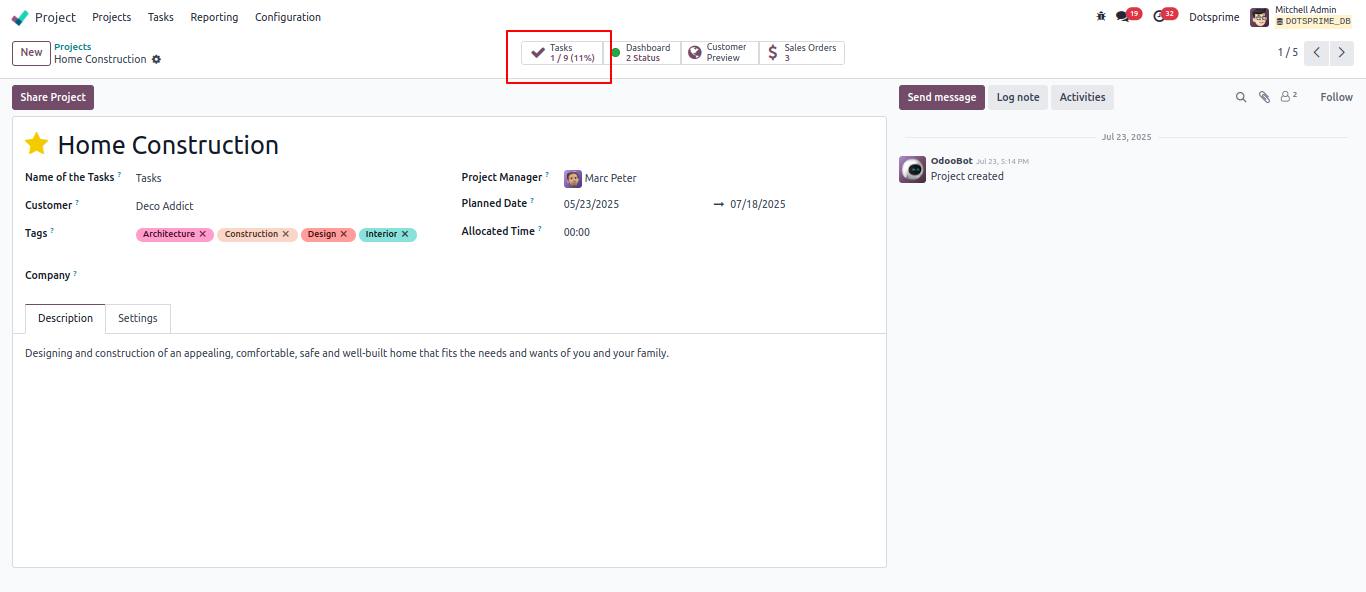
Add Followers in Project .
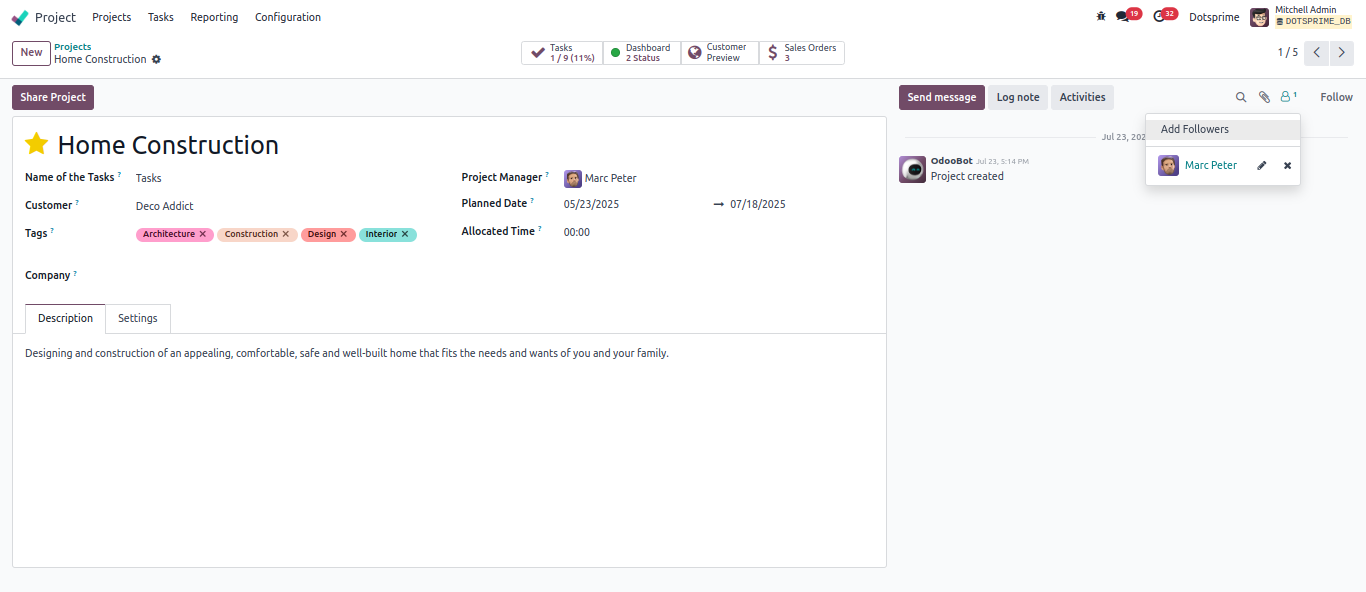
06
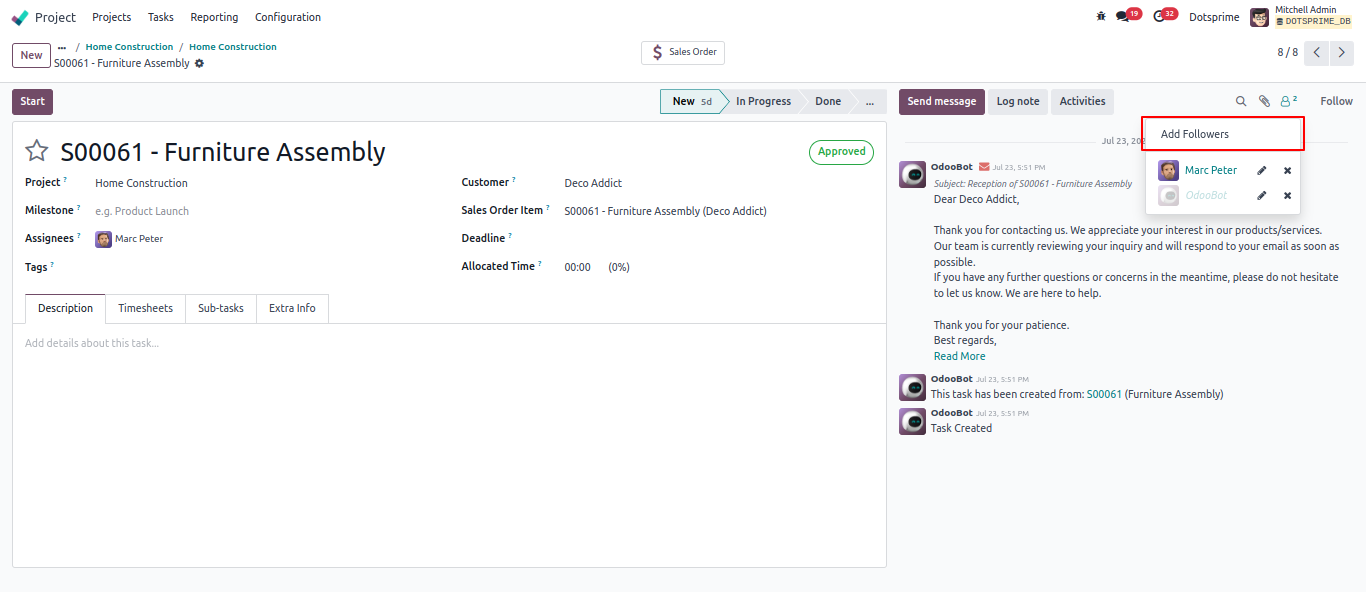
Add followers to document.
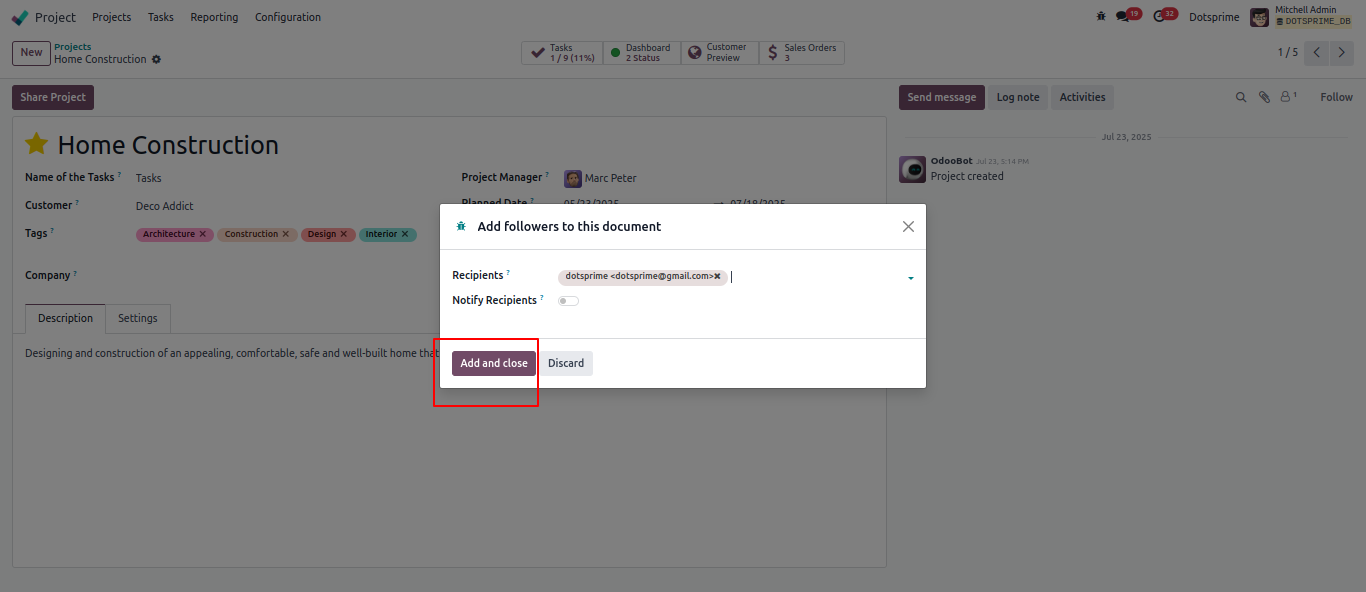
08
Add followers in Project.
10
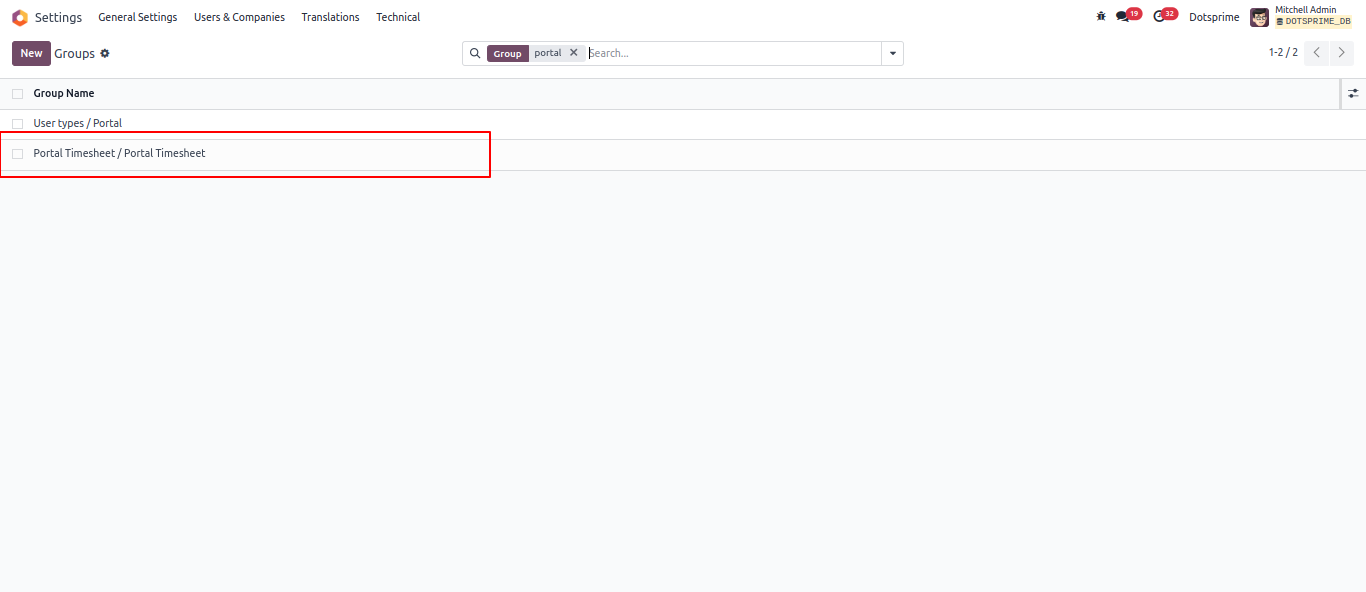
Add workflow and Process.
11
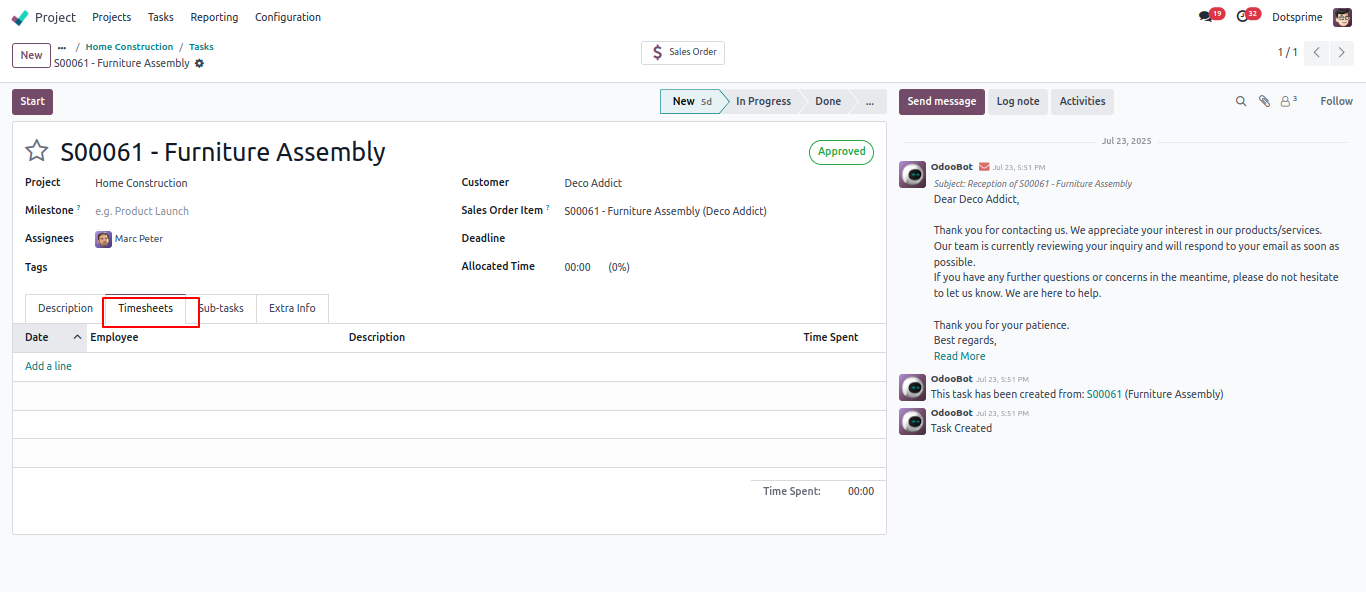
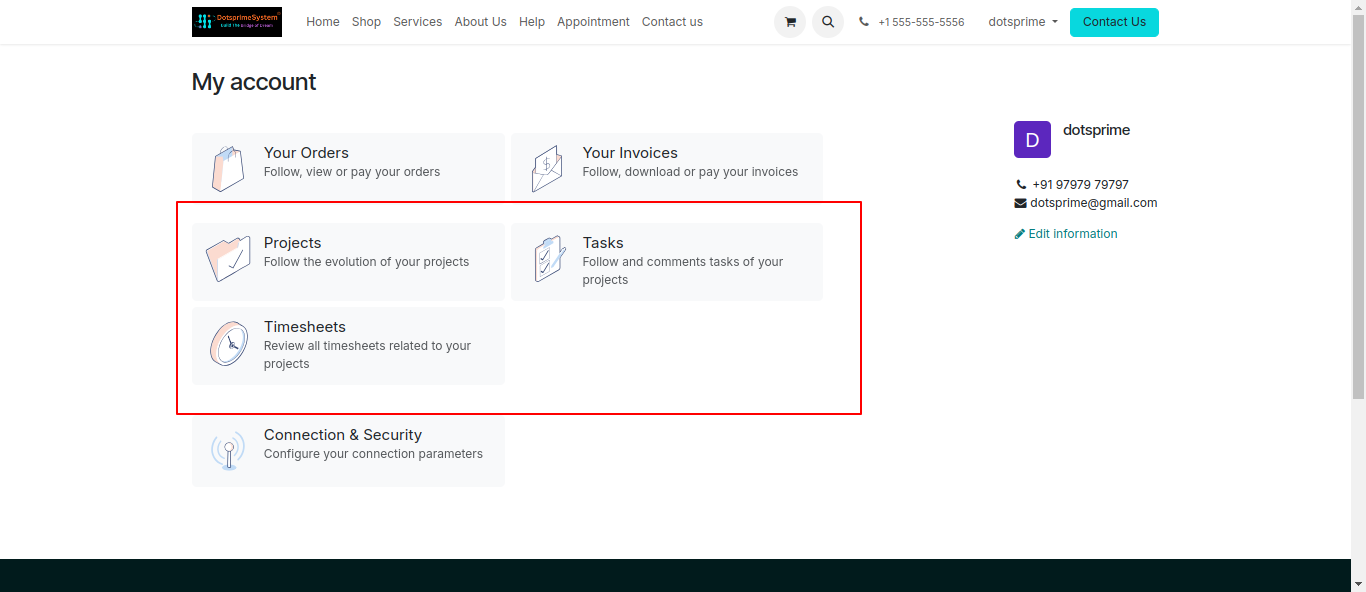
Login as a portal user to access the Timesheet menu, where all timesheet entries associated with the employee will be displayed. Portal View for user.
12
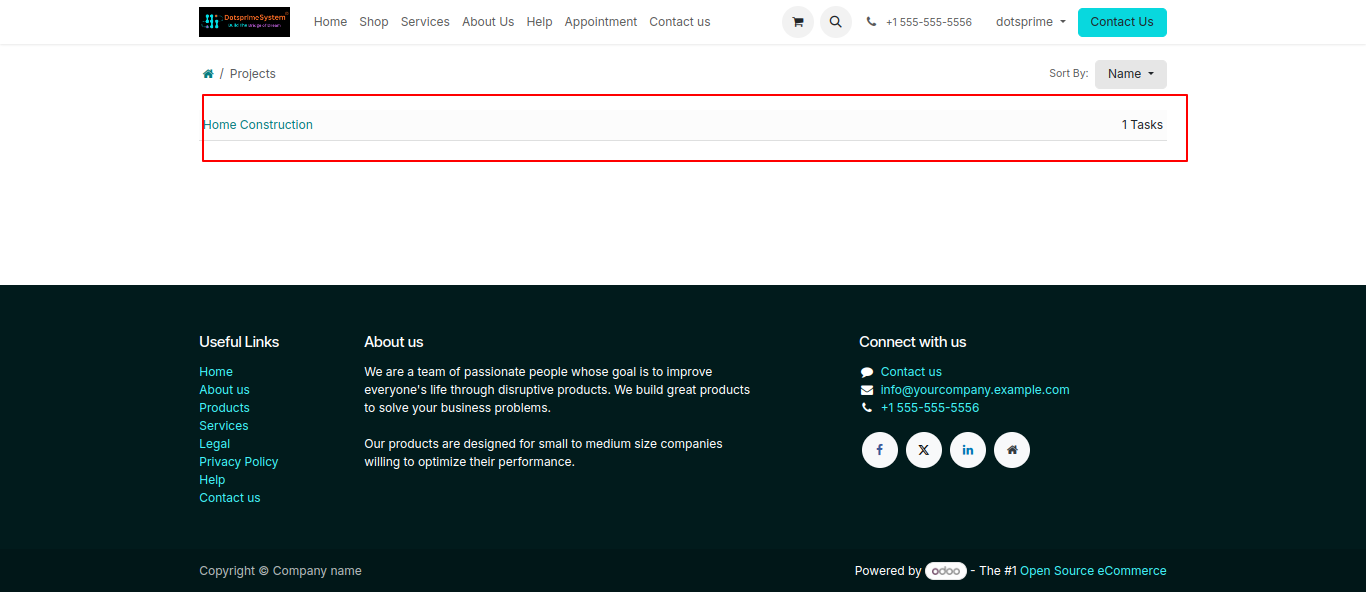
Project task from portal.
13
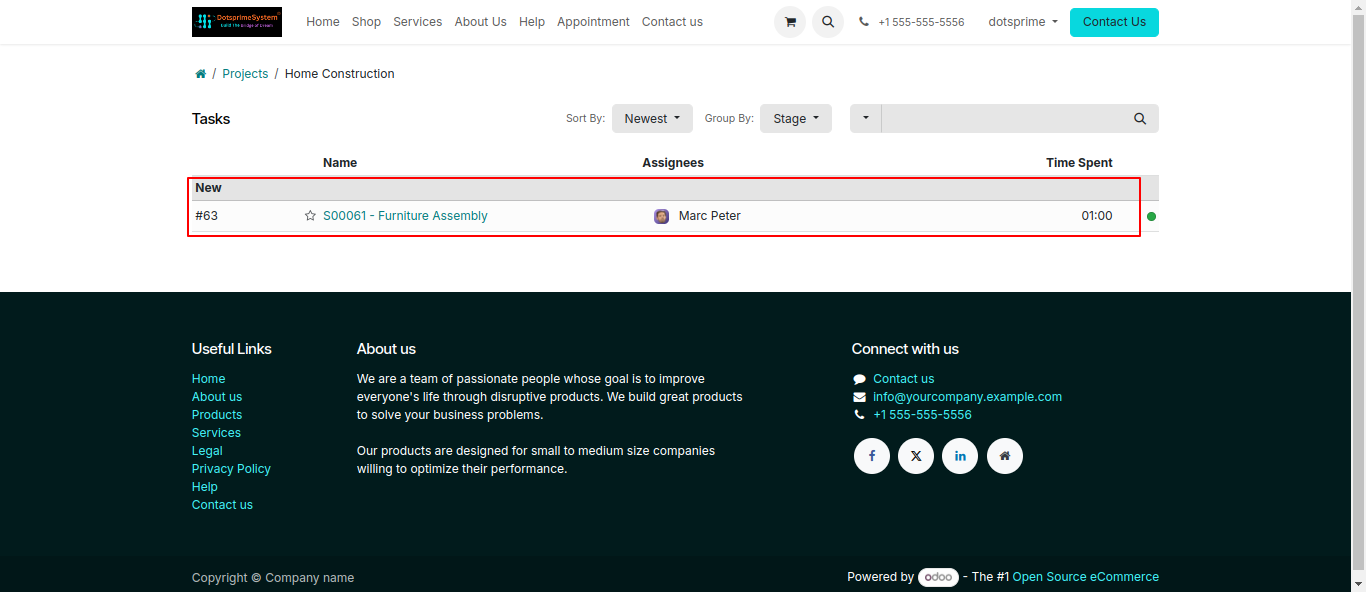
View of added time sheet from portal.
14
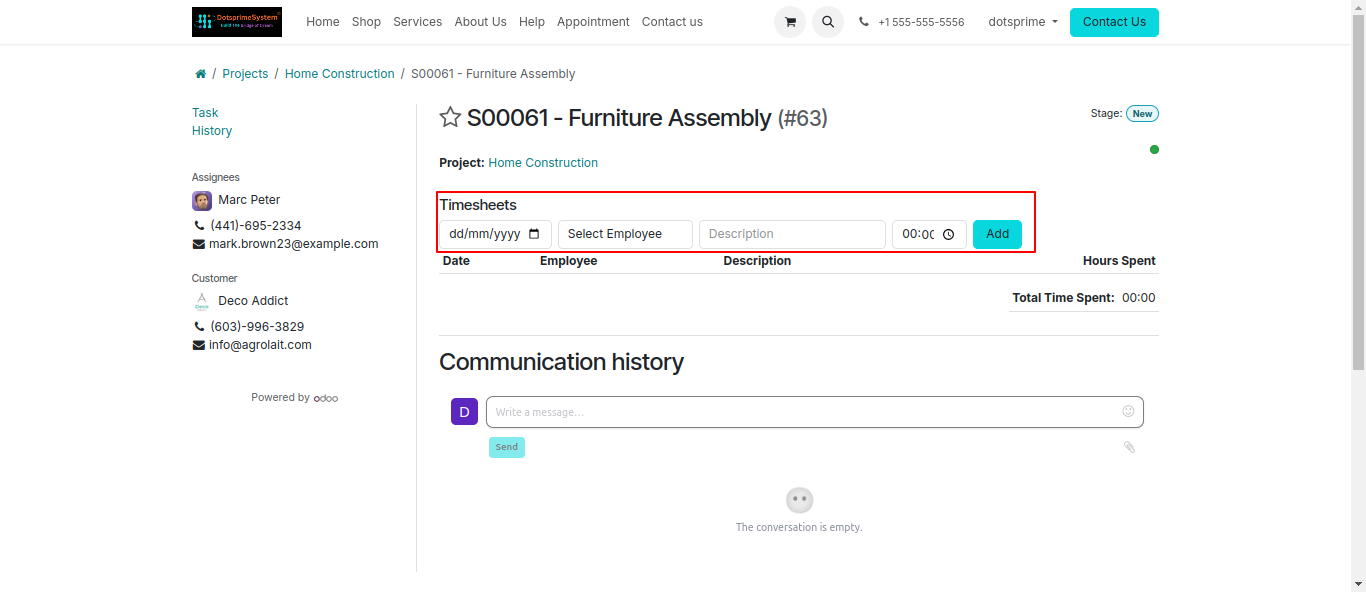
View of new created timesheet in details.
15
Add time frame from Portal.
16
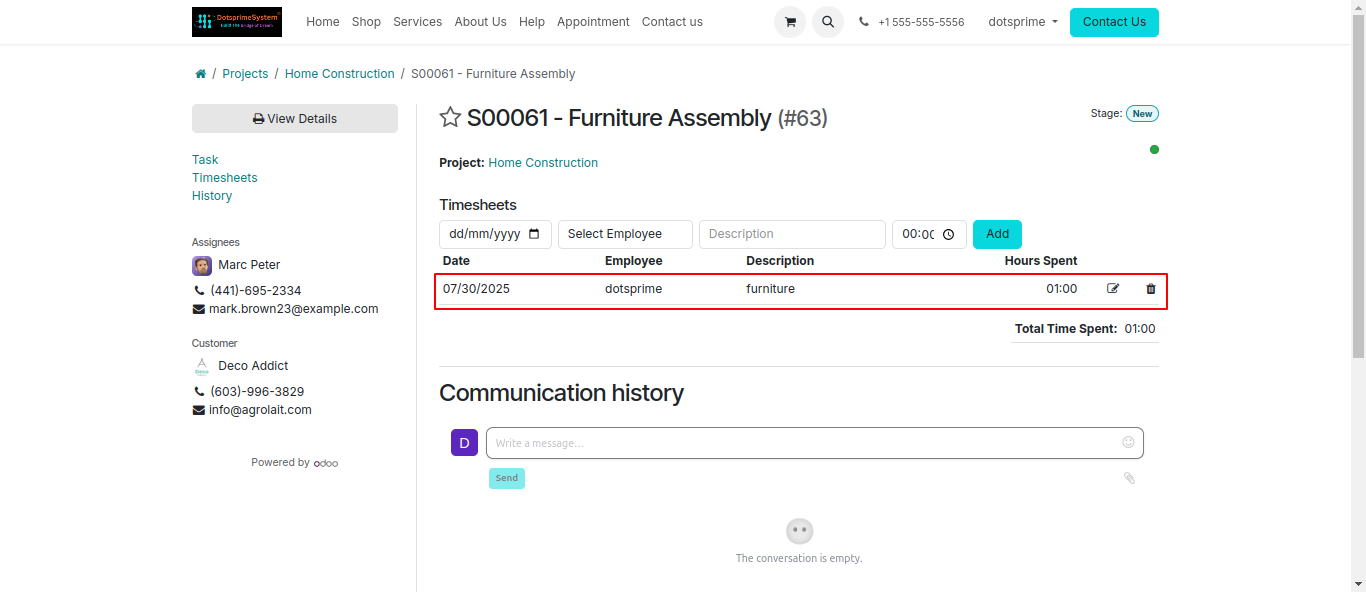
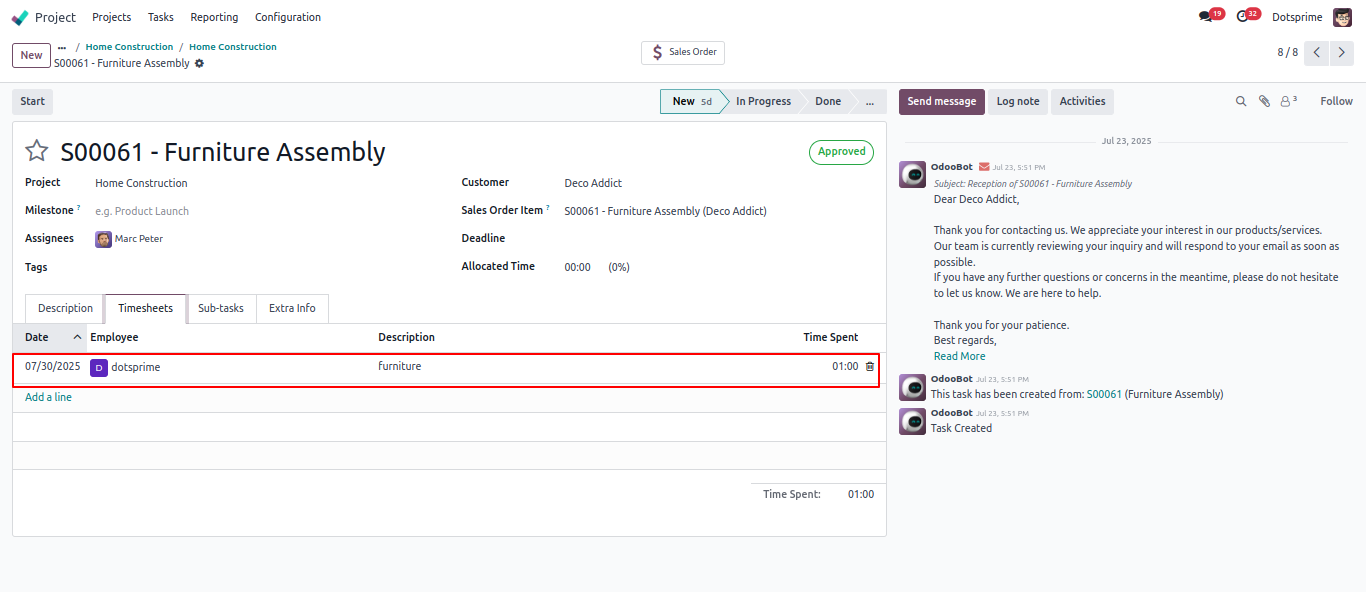
View of timesheet for employee.
17
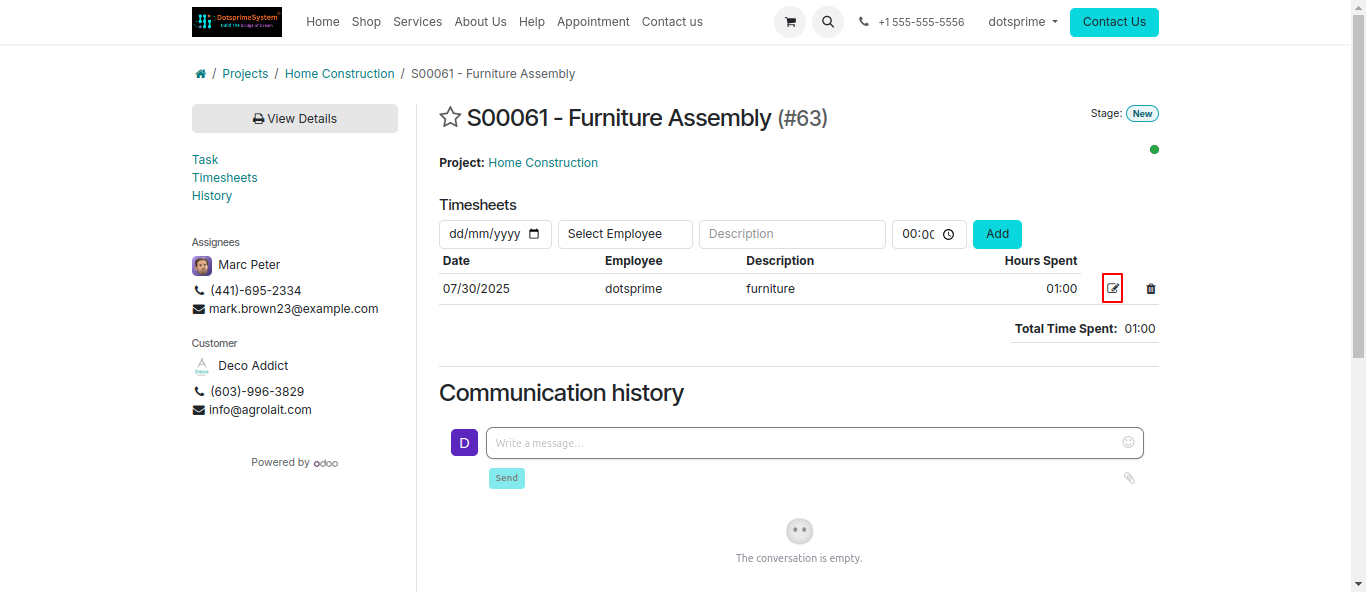
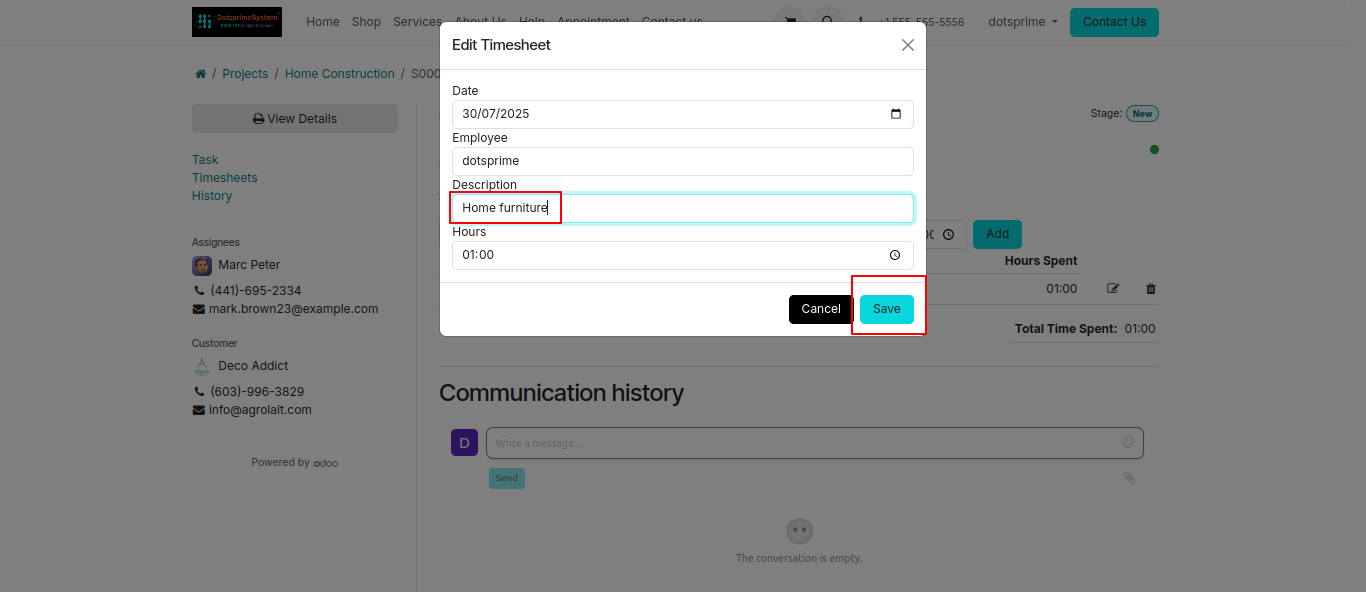
View of Edit timesheet on portal Side.
19
View of printed Product label.
20
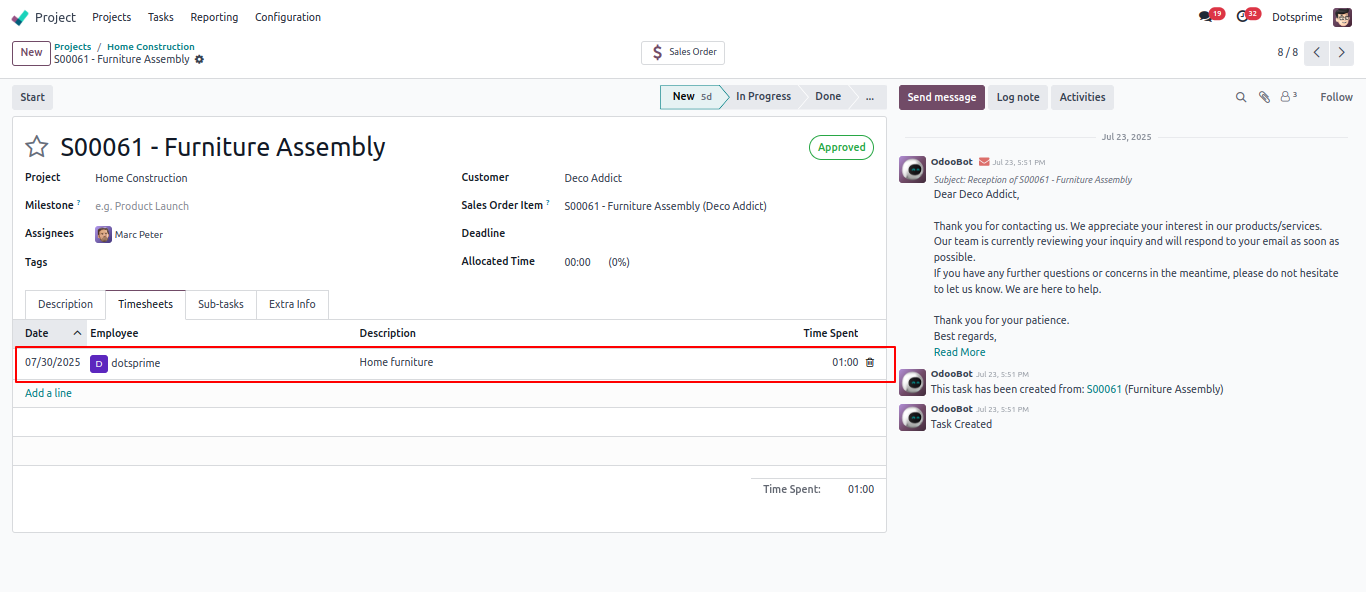
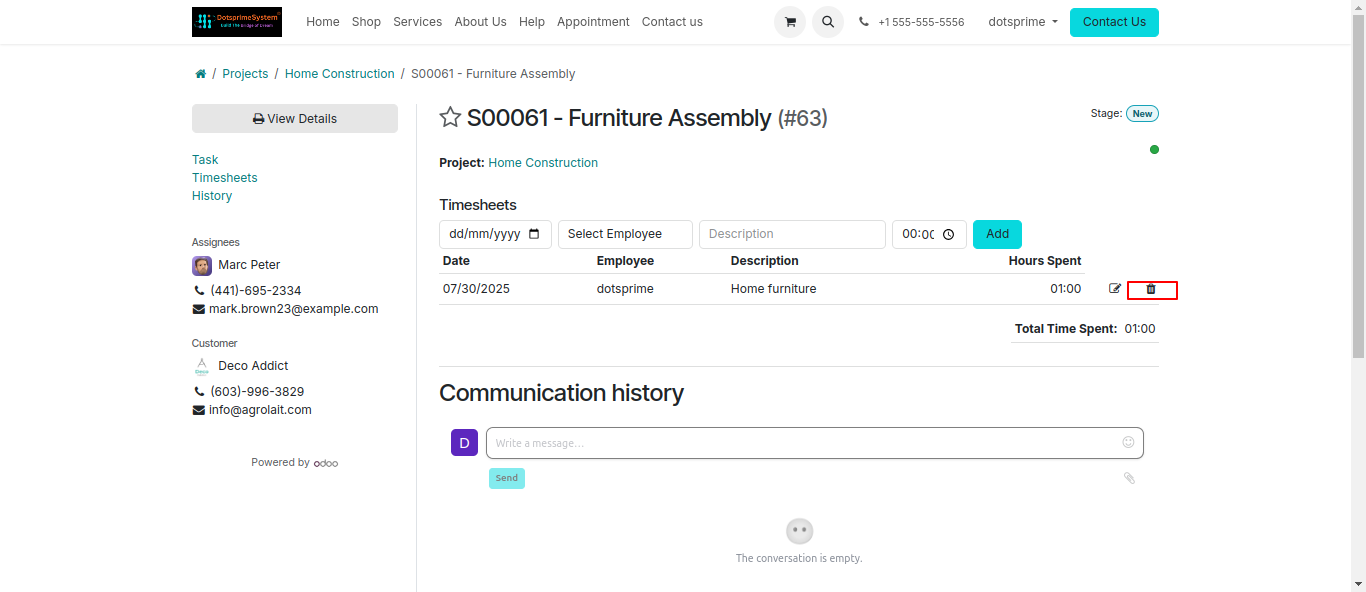
Delete timesheet from Portal.
21
Overview of timesheet after delete time Hrs.